Give your backlog a little direction.
Record what you are playing, have finished or want to return to. Choose the next adventure from your own library.
Video Games
Bring your games across consoles and computers together. Keep track of the editions you own, the adventures you have finished and the ones still waiting for a quiet weekend.


No account needed to start on mobile. Sign in for web access and sync.
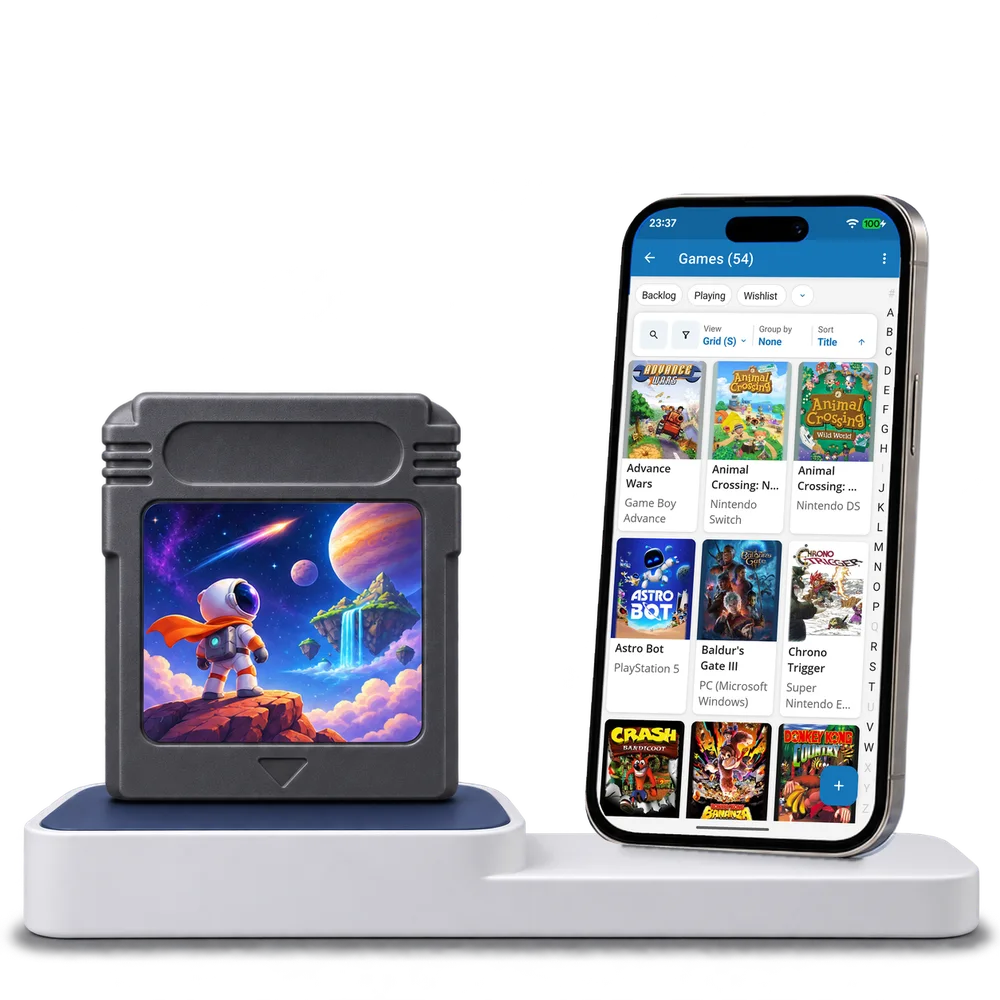
Take a look inside
Browse a real games collection, switch views and open a title to explore its platform and play status.
No account. No install.
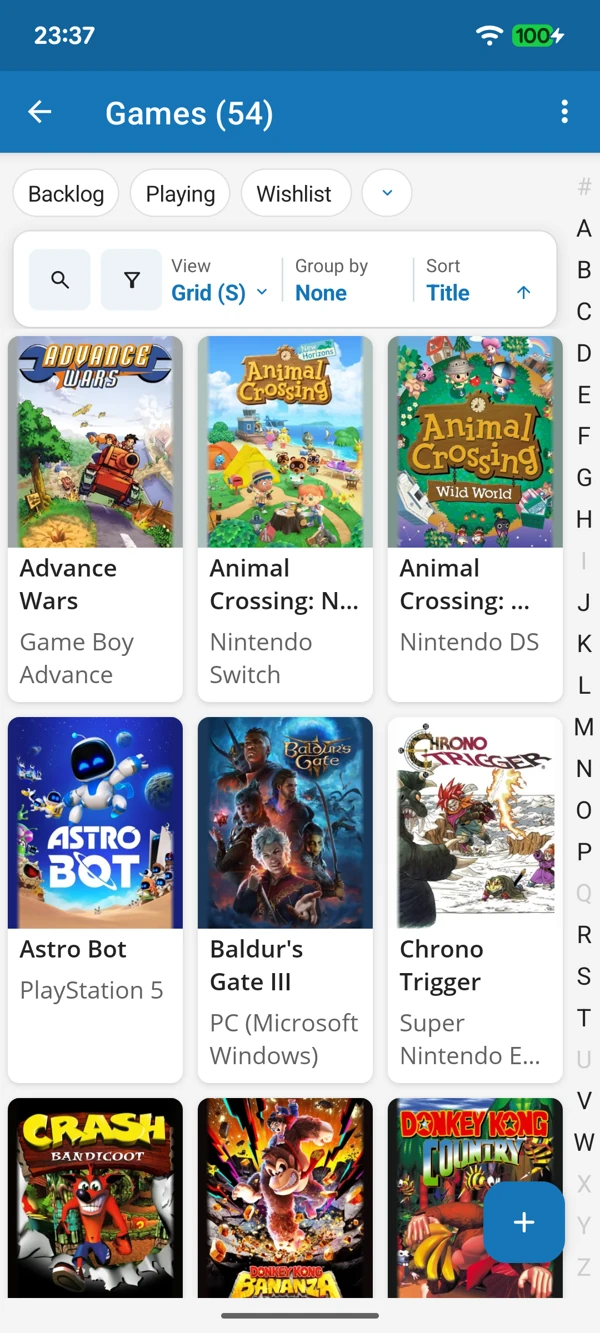
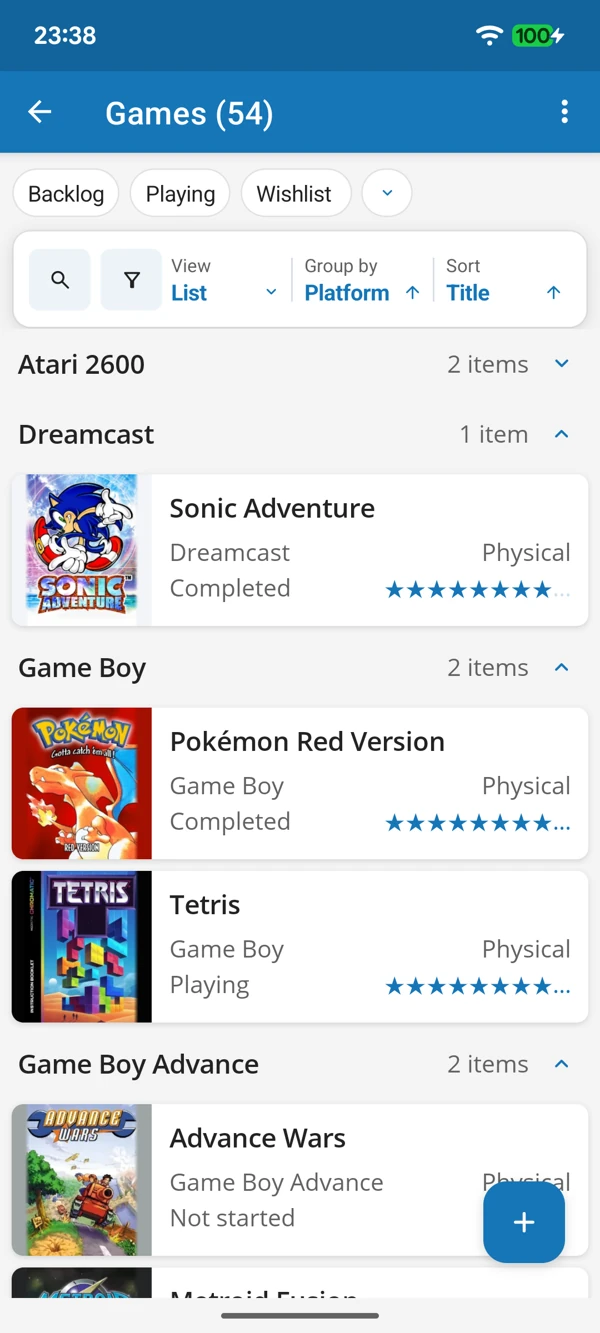
FROM OLD FAVOURITES TO NEXT UP
Enjoy your cover collection, or bring games together by platform. Check which edition you have and what you feel like playing without searching every shelf.
Tap a screenshot for a closer look.
Choose the Games template and add a favourite title. Keep the ready-made details or adapt them to the way you play.
No account needed to start on mobile. Sign in for web access and sync.
Free to use. Built by collectors.