Keep your missing numbers handy.
Record the sticker numbers you still need and update your album progress as you collect.
Stickers and Albums
Keep your stickers, albums and trade copies together. Record the numbers you still want and the progress you have made without losing track of loose finds.


No account needed to start on mobile. Sign in for web access and sync.
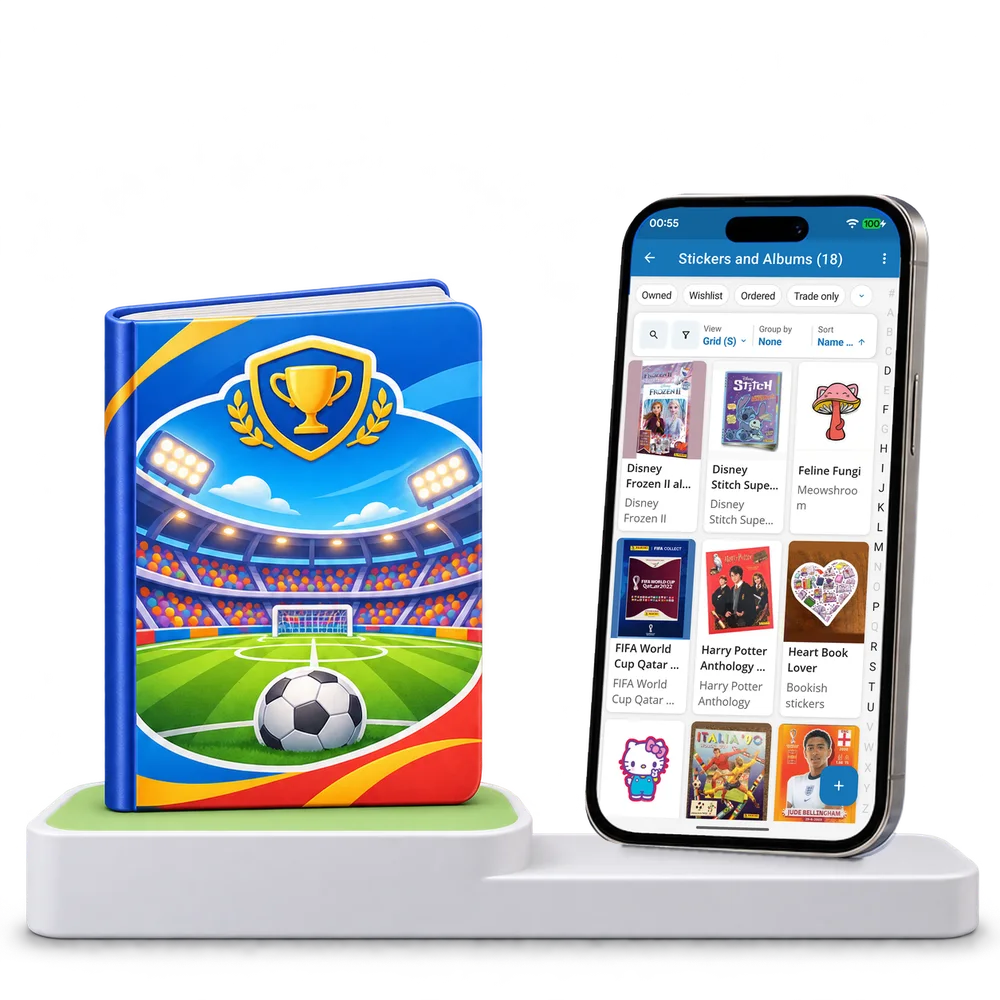
Take a look inside
Explore a real sticker and album collection, switch views and open an entry to see its series and recorded progress.
No account. No install.
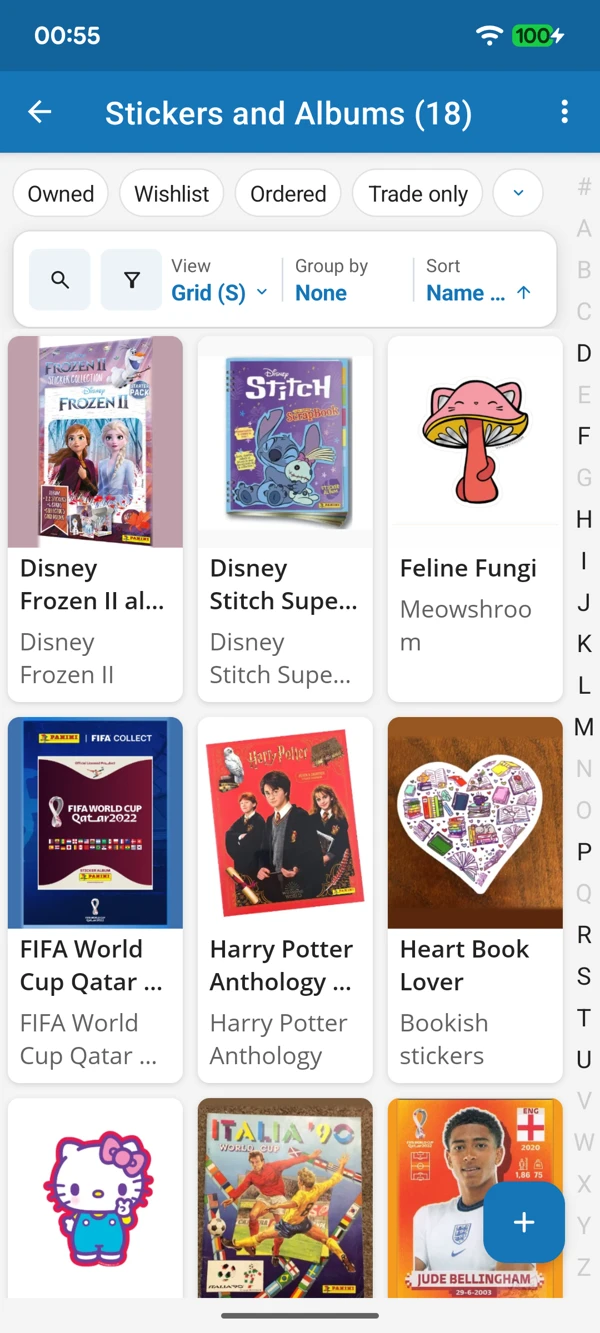
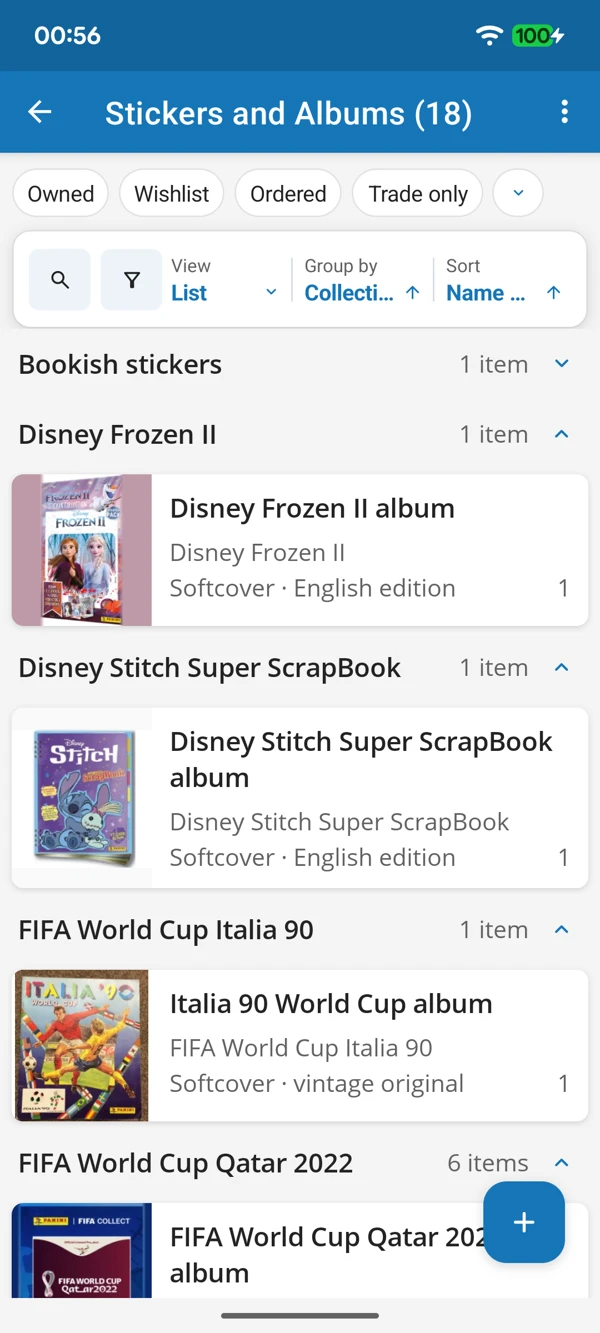
FROM LOOSE STICKERS TO FAVOURITE ALBUMS
Browse the pictures or bring series together in a list. Keep sticker numbers, album entries and your own progress notes within easy reach.
Tap a screenshot for a closer look.
Choose the Stickers and Albums template and add your first entry. Keep your own progress and wanted numbers together.
No account needed to start on mobile. Sign in for web access and sync.
Free to use. Built by collectors.