Keep the variety with the stamp.
Record perforations, watermarks, overprints and catalogue references when those differences matter to your collection.
Stamps
Keep your stamps, issues and wanted varieties together. Remember countries, catalogue references and the condition details that make each stamp in your album distinct.


No account needed to start on mobile. Sign in for web access and sync.
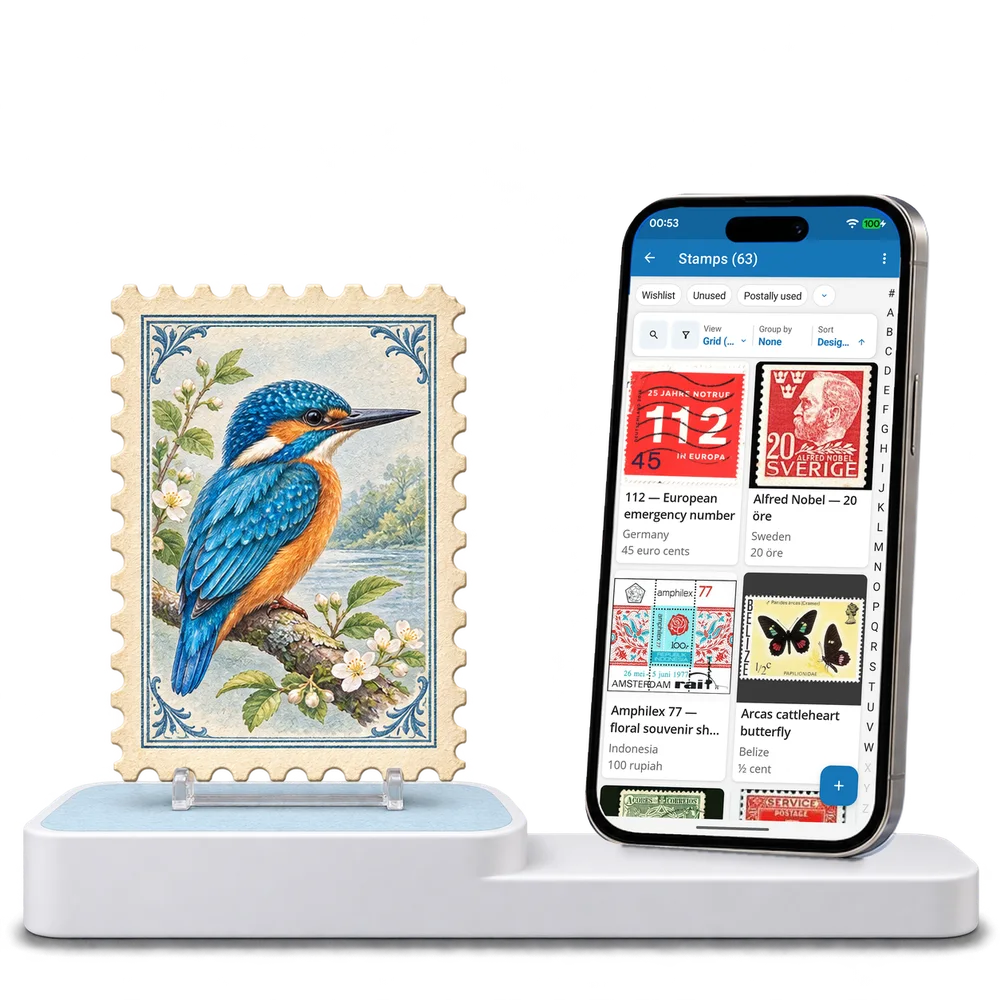
Take a look inside
Browse a real stamp collection, change the view and open a stamp to explore its issue and condition notes.
No account. No install.
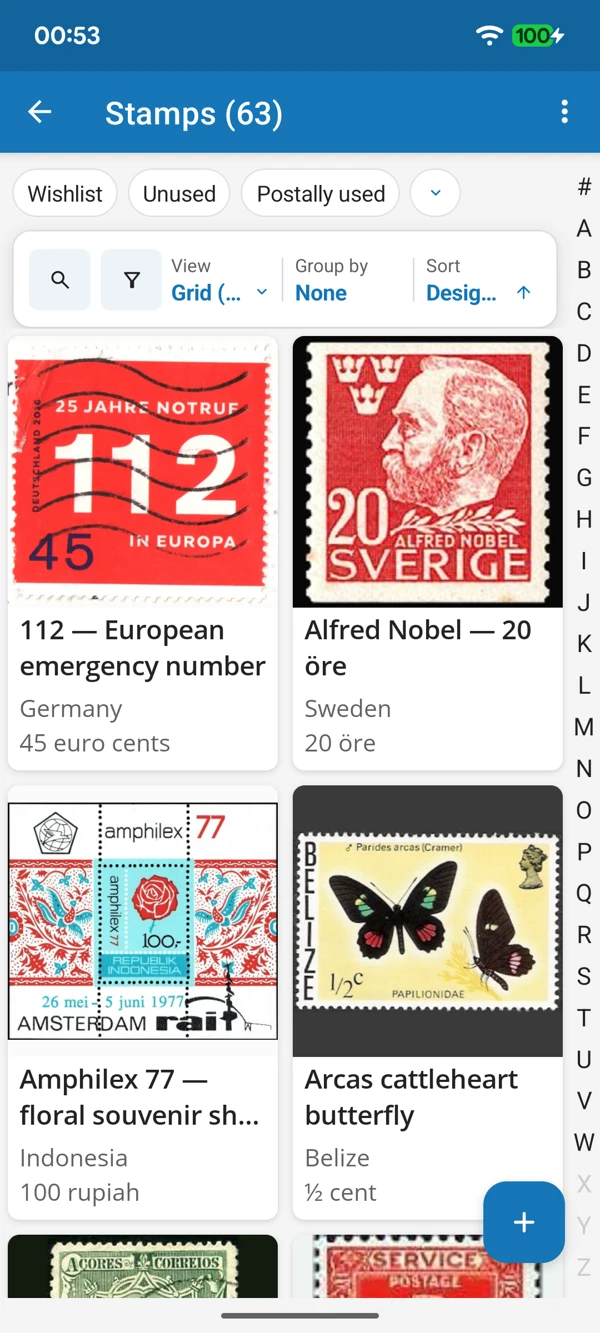
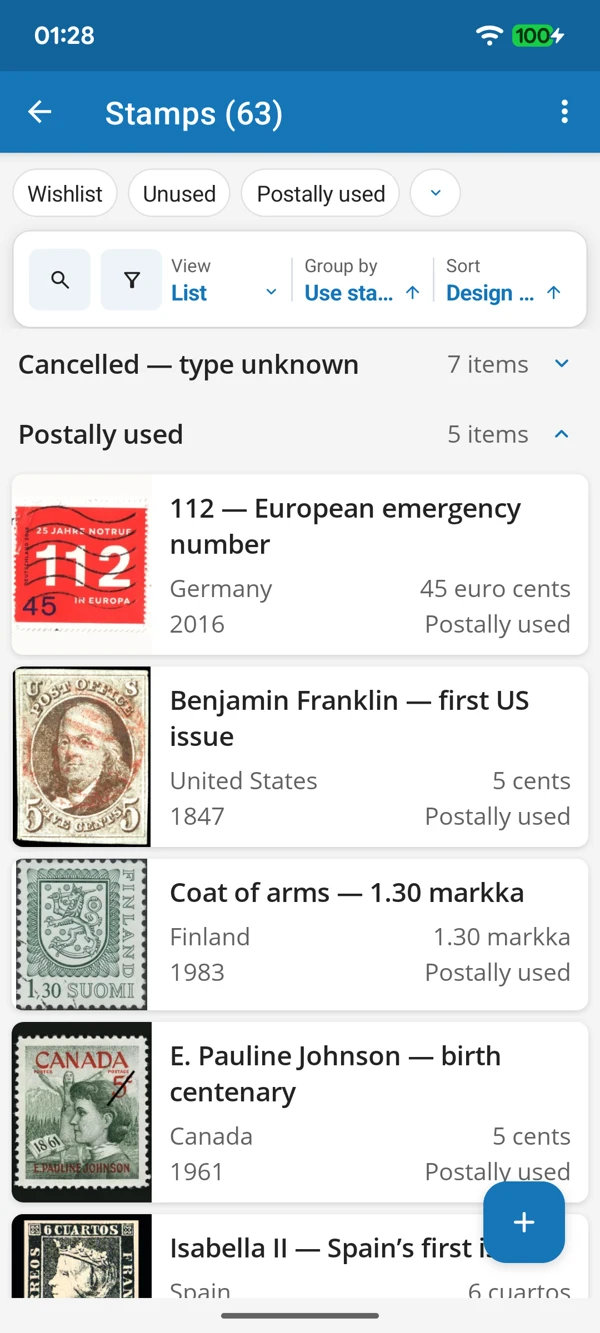
LOOK CLOSER AT YOUR ALBUM
Enjoy the designs in a photo grid or compare the recorded details in a list. Keep the stamps you own and the varieties you hope to find easy to recognize.
Tap a screenshot for a closer look.
Choose the Stamps template and add a design you want to keep. Adapt the prepared details to your collecting interests.
No account needed to start on mobile. Sign in for web access and sync.
Free to use. Built by collectors.