Remember what the item does.
Keep its function and recorded game information with its photograph for an easy reference.
Skylanders Magic Items
Keep your Skylanders magic items together with their names, functions and recorded game details. Remember the pieces you own, even when they are tucked away between play sessions.


No account needed to start on mobile. Sign in for web access and sync.
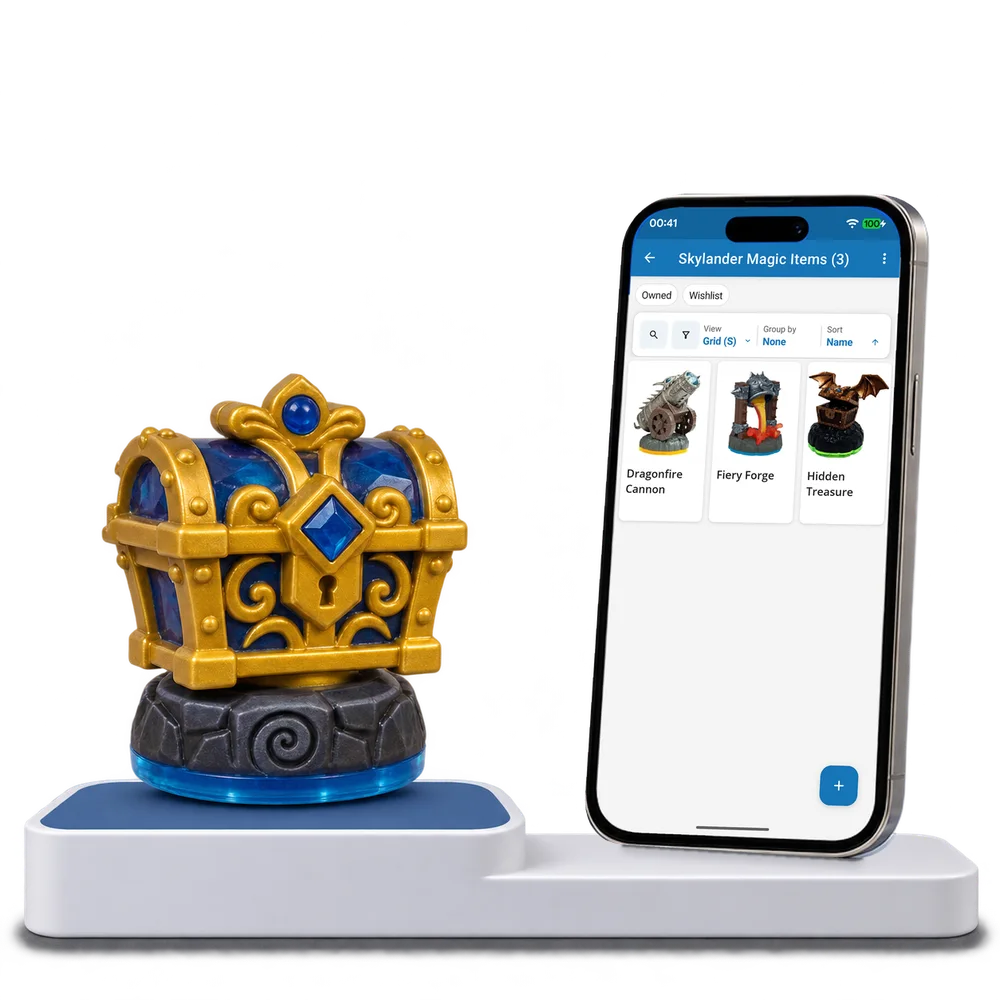
Take a look inside
Explore a real magic item collection, switch views and open a piece to read its function and game notes.
No account. No install.
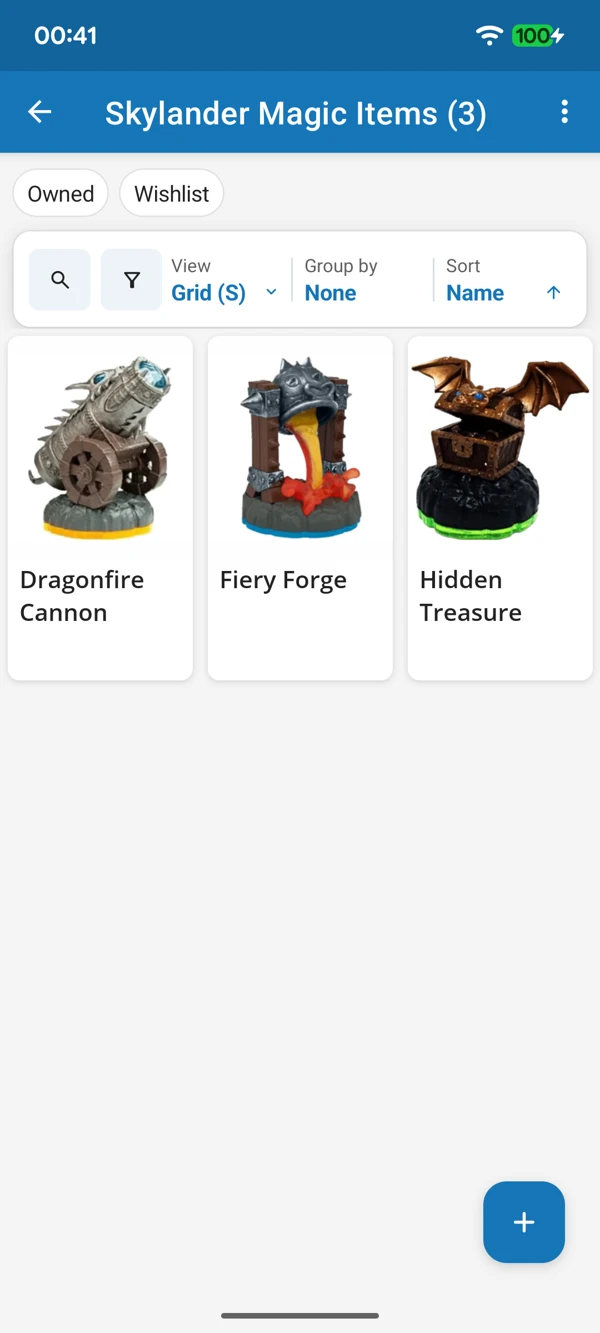
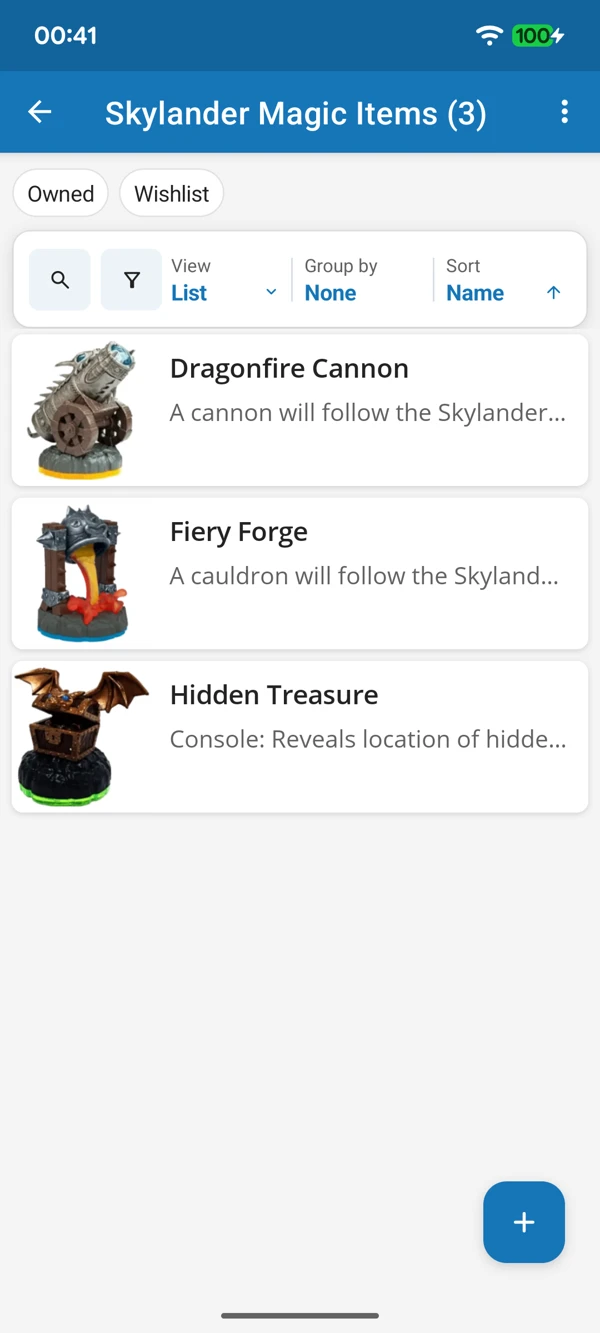
THE EXTRAS DESERVE A PLACE TOO
Browse item photos or compare names and game details in a list. Give these smaller parts of your Skylanders collection the same care as the characters.
Tap a screenshot for a closer look.
Choose the Skylanders Magic Items template and add your first piece. Use the prepared details or add your own notes.
No account needed to start on mobile. Sign in for web access and sync.
Free to use. Built by collectors.