Remember who is stored inside.
Record the character name and class yourself so the crystal is easier to recognize between play sessions.
Skylanders Creation Crystals
Keep your Creation Crystals and the characters you stored in them together. Remember elements, crystal designs and your own character notes before the next play session.


No account needed to start on mobile. Sign in for web access and sync.
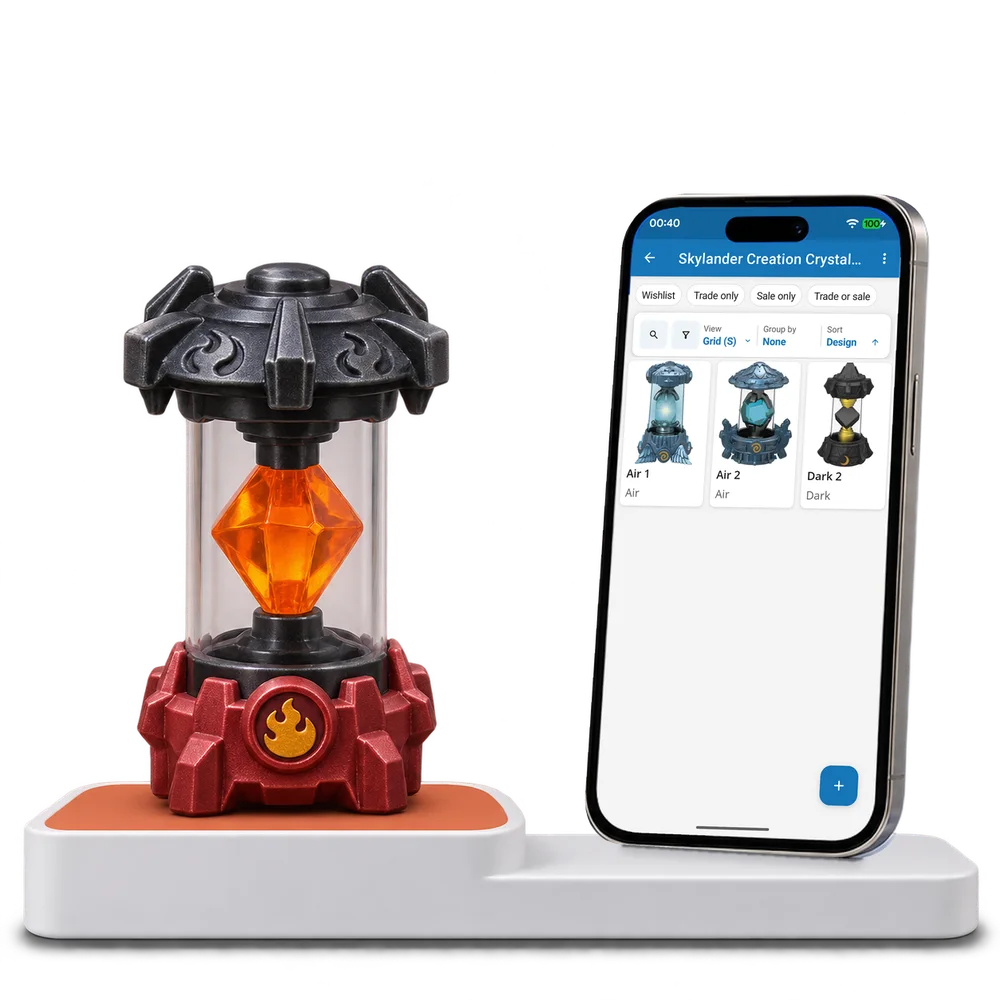
Take a look inside
Browse a real Creation Crystal collection, change the view and open a crystal to inspect its element and stored character notes.
No account. No install.
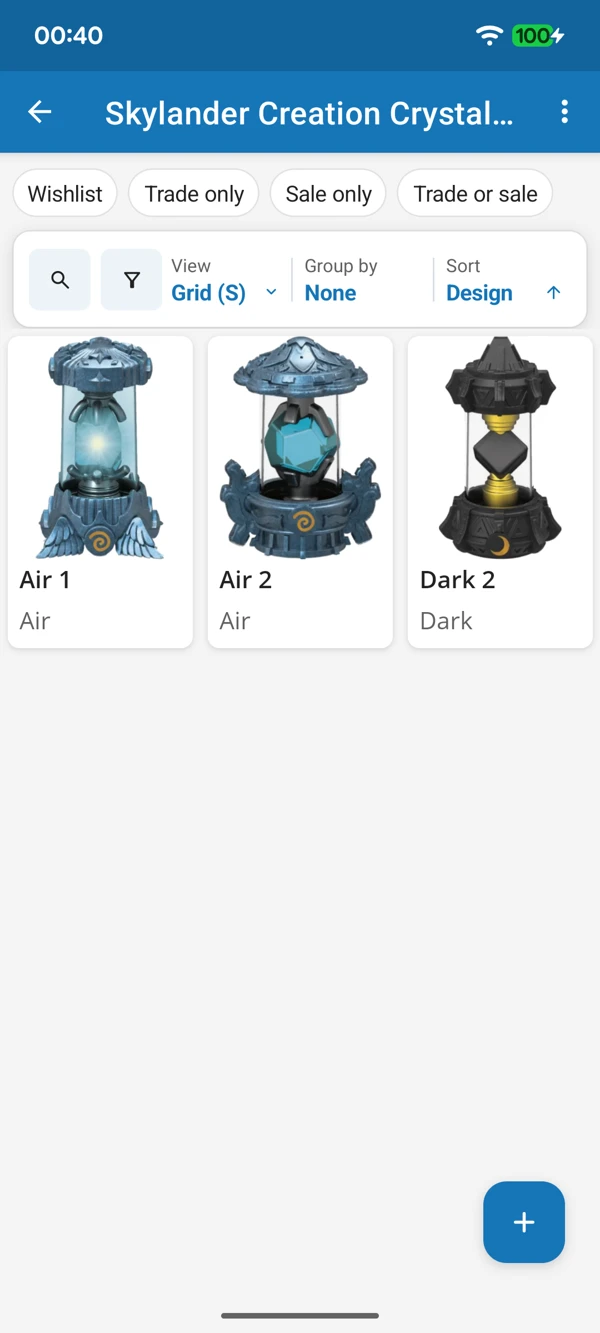
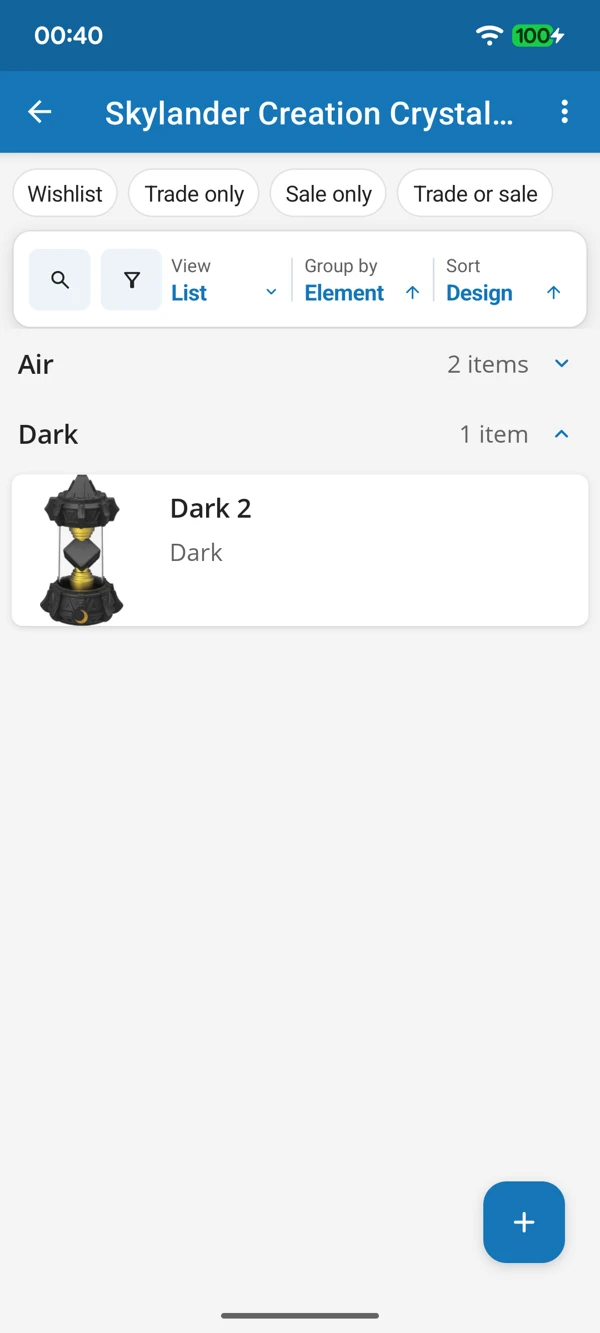
KEEP YOUR IMAGINATORS CLOSE
Browse the crystal designs in a grid or bring elements together in a list. Keep the details you recorded with the physical crystal they belong to.
Tap a screenshot for a closer look.
Choose the Creation Crystals template and add your first crystal. Make room for its element and your own creation notes.
No account needed to start on mobile. Sign in for web access and sync.
Free to use. Built by collectors.