Remember the recipe for that colour.
Keep paints used and progress photos with the miniature so you can return to a project with confidence.
Miniatures
Keep your miniatures, painting projects and finished units together. Remember ranges, assembly progress and the paints you used, from the first idea to the last highlight.


No account needed to start on mobile. Sign in for web access and sync.
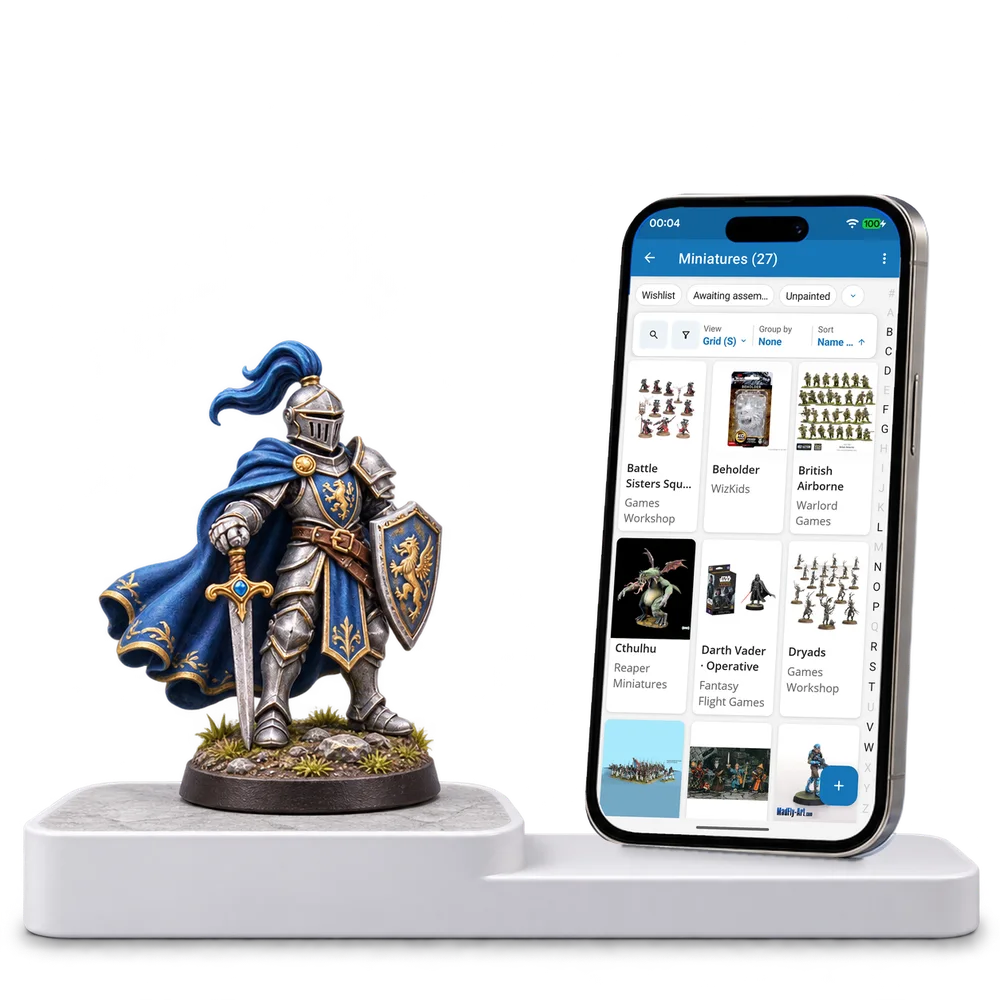
Take a look inside
Explore a real miniature collection, change the view and open a model to see its assembly and painting notes.
No account. No install.
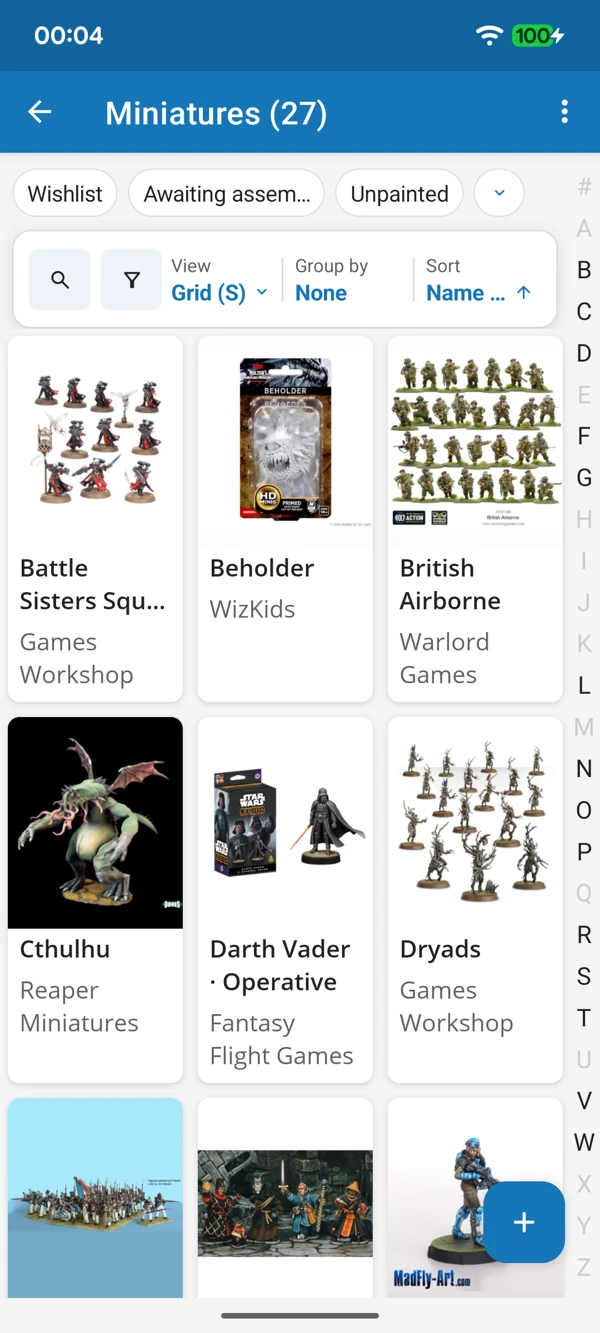
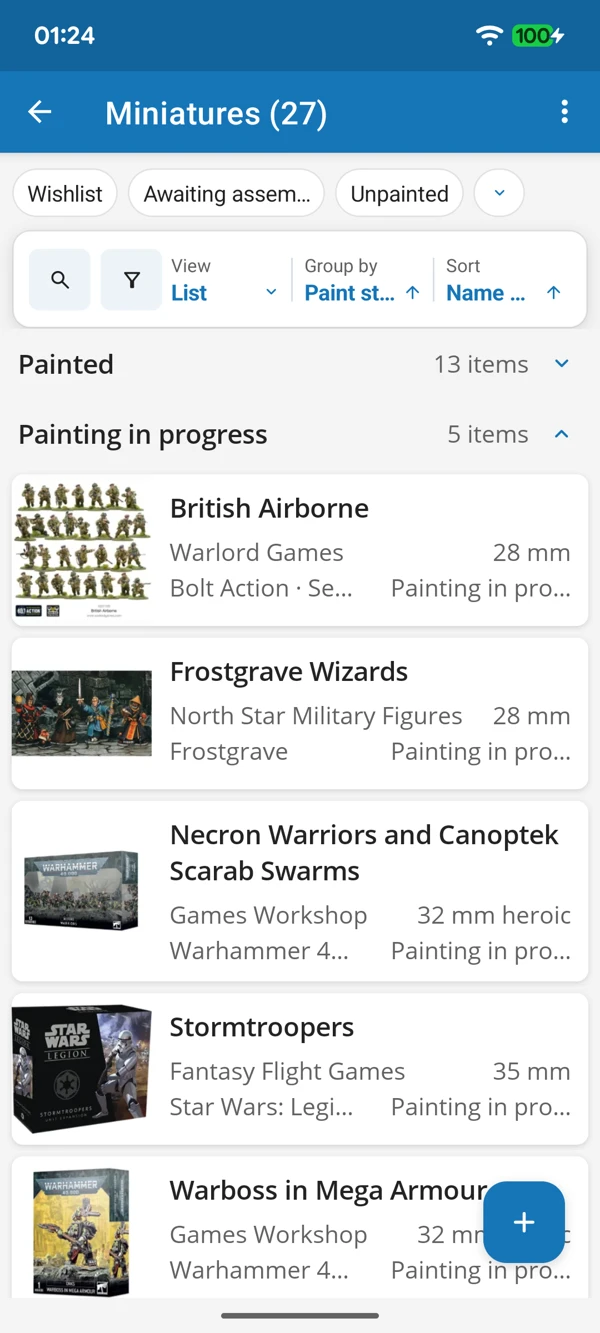
FROM THE WORKBENCH TO THE TABLE
Browse your models by picture or bring paint states together in a list. Keep finished favourites and the next project in the same place.
Tap a screenshot for a closer look.
Choose the Miniatures template and add a figure or unit. Make space for both the finished result and how you got there.
No account needed to start on mobile. Sign in for web access and sync.
Free to use. Built by collectors.