Know which volume comes next.
Record volume numbers and reading status so your next purchase fits the story you are following.
Manga
Keep your manga series, editions and reading progress together. Remember the volumes you own and the next one you want, from single books to collected editions.


No account needed to start on mobile. Sign in for web access and sync.
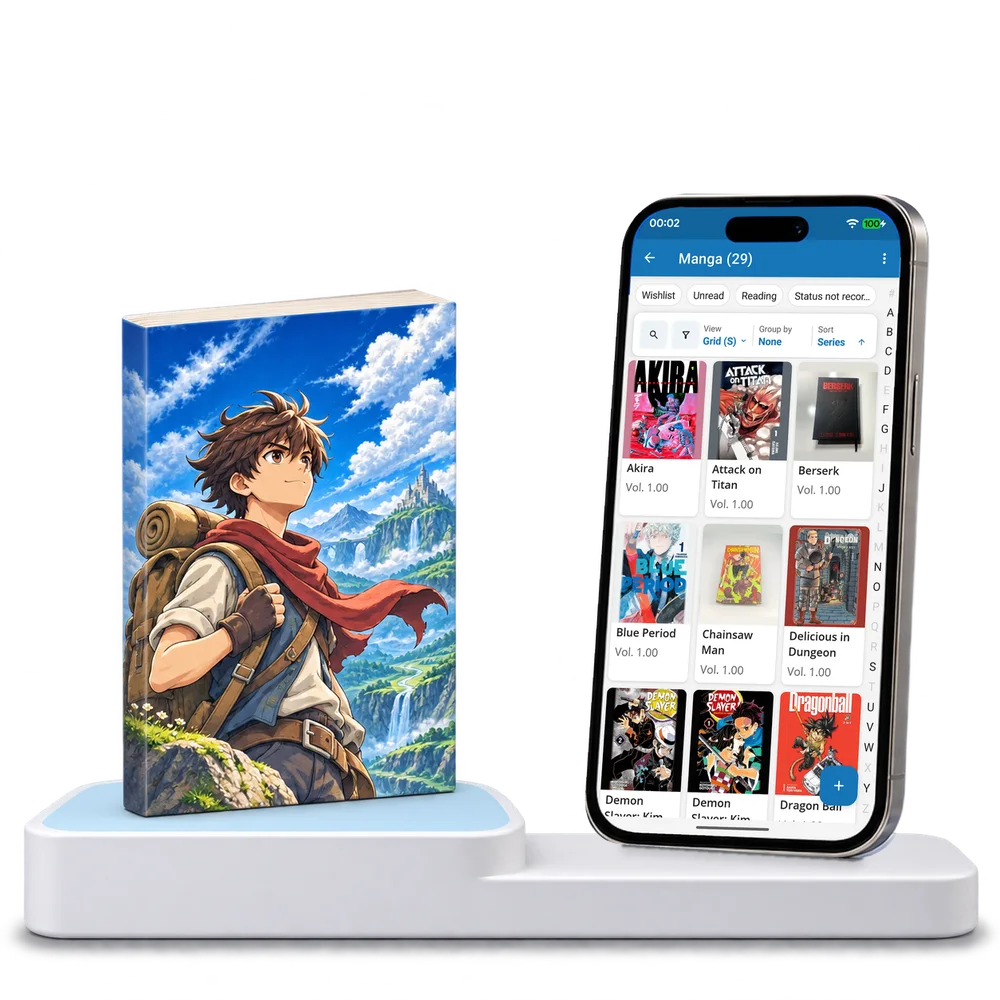
Take a look inside
Explore a real manga collection, switch views and open a volume to inspect its series, edition and reading details.
No account. No install.
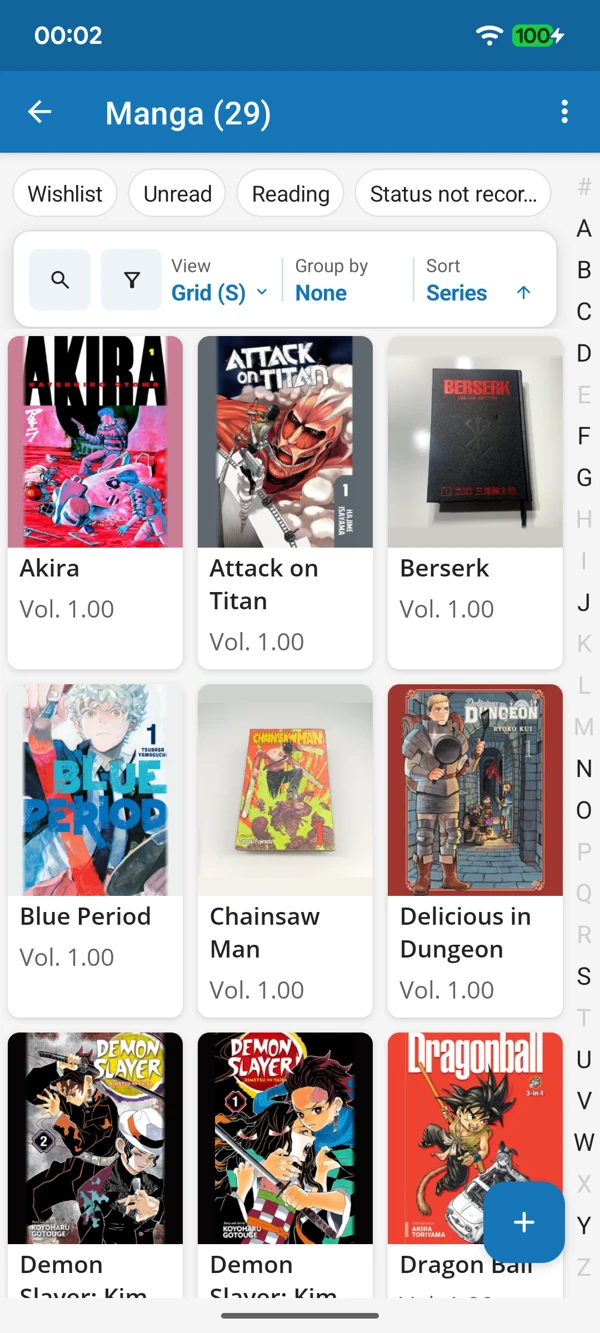
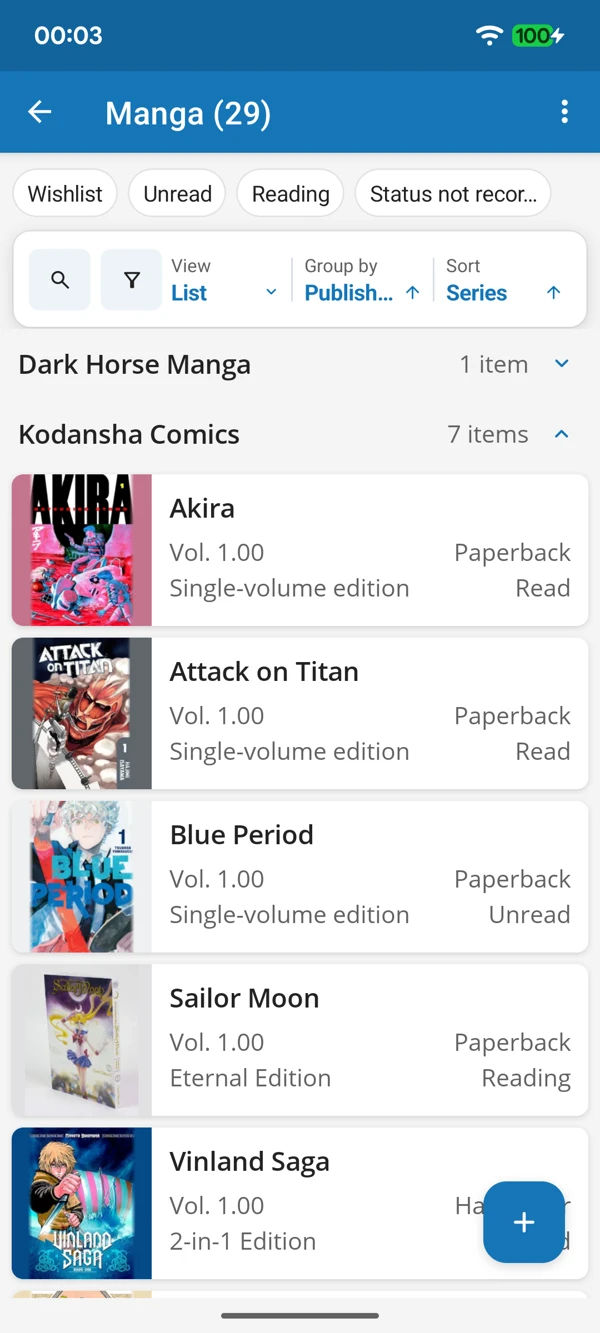
FROM FIRST VOLUME TO NEXT CHAPTER
Browse the cover art or bring publishers together in a list. Keep volume numbers and edition details close when you are checking the next book in a series.
Tap a screenshot for a closer look.
Choose the Manga template and add your first book. Keep its series details ready for the chapters that follow.
No account needed to start on mobile. Sign in for web access and sync.
Free to use. Built by collectors.