Keep the right accessories together.
Record expected accessories and missing pieces so you know what belongs with each minifigure.
LEGO Minifigures
Keep your minifigures, variants and wanted characters together. Remember the catalogue IDs, accessories and small details that make one figure different from another.


No account needed to start on mobile. Sign in for web access and sync.
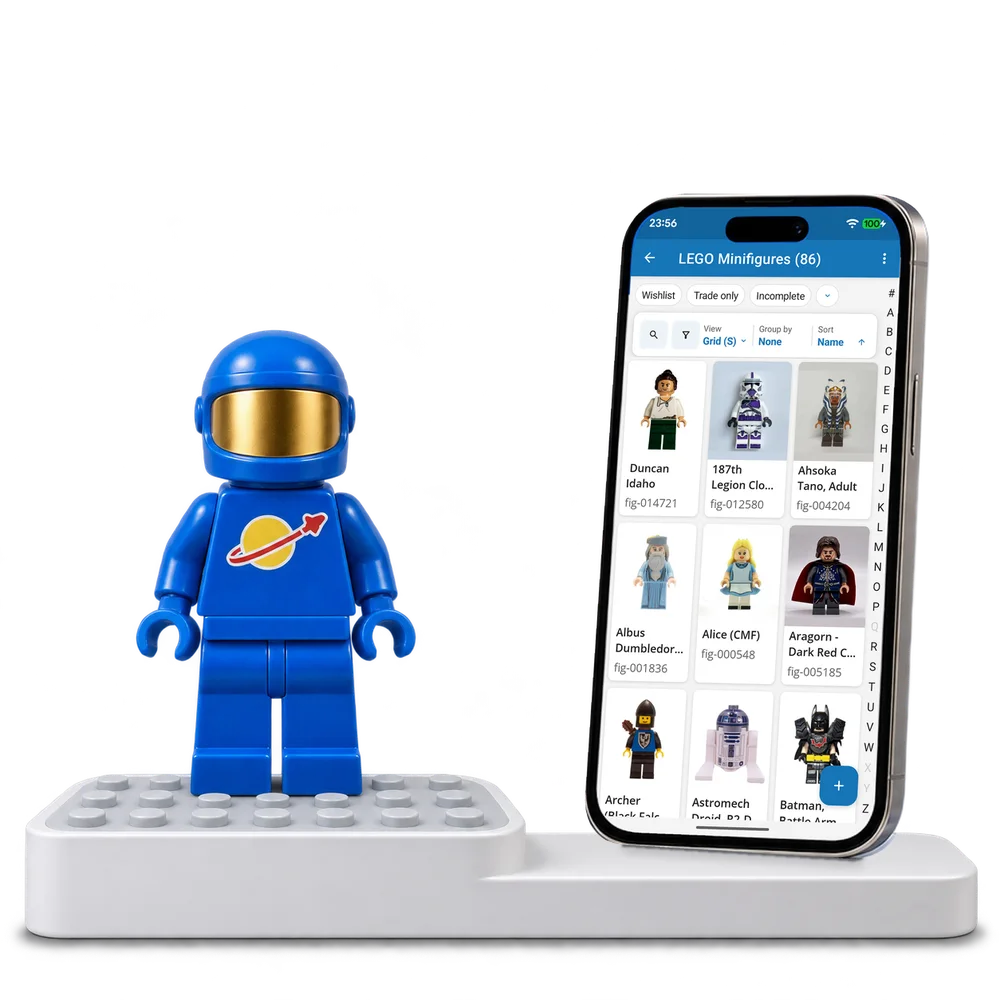
Take a look inside
Browse a real minifigure collection, try the views and open a character to explore its accessories and identity.
No account. No install.
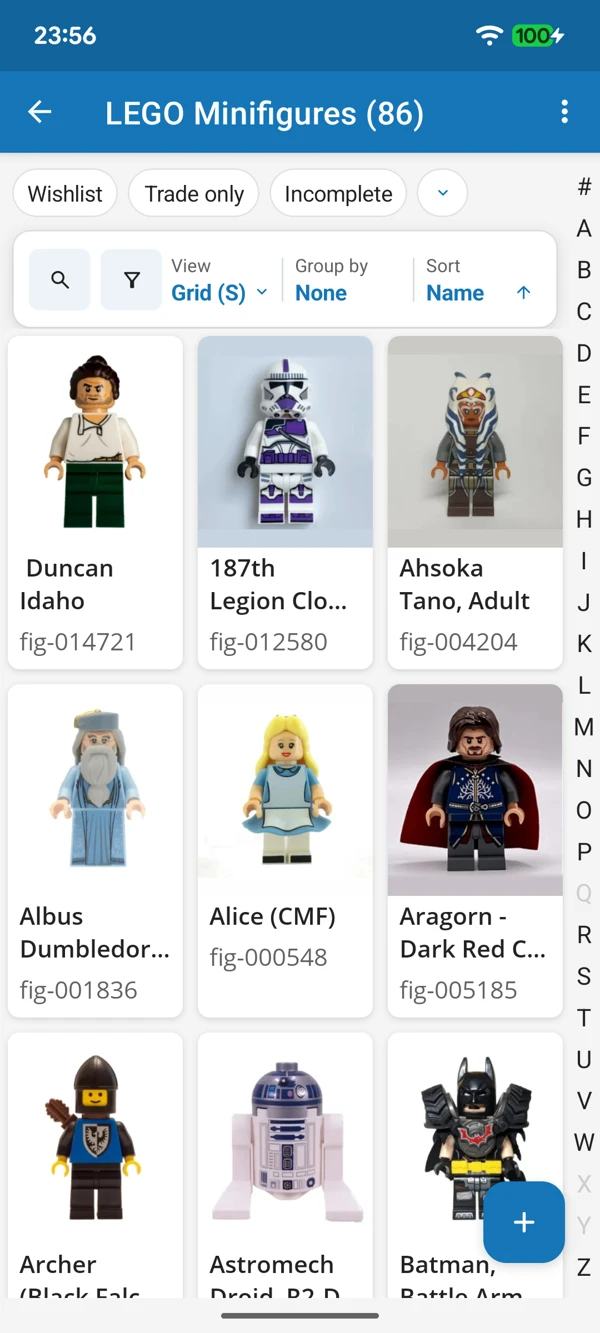
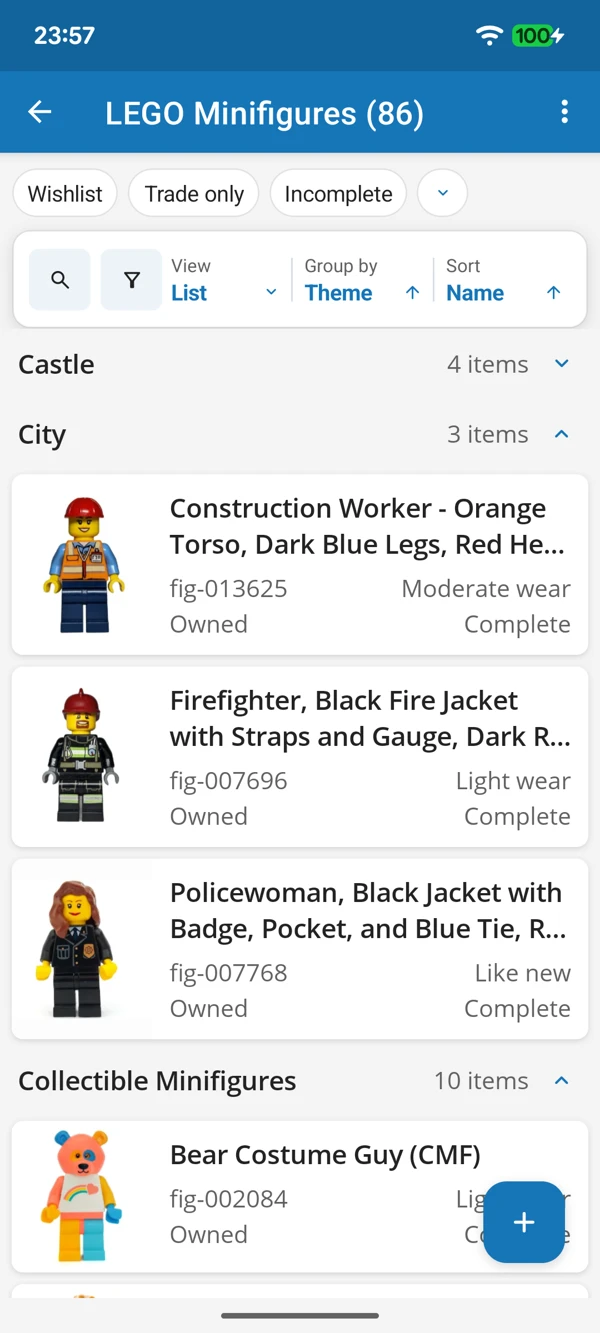
EVERY LITTLE CHARACTER COUNTS
Enjoy your figures in a photo grid or bring their themes together in a list. Check the details before adding another familiar face.
Tap a screenshot for a closer look.
Choose the LEGO Minifigures template and start with a favourite character. Add the details that matter to you.
No account needed to start on mobile. Sign in for web access and sync.
Free to use. Built by collectors.