Remember the current build.
Record which form the model is in and keep rebuild names and ability notes alongside it.
LEGO Dimensions Vehicles & Gadgets
Keep your LEGO Dimensions vehicles, gadgets and rebuild notes together. Remember source packs, current builds and toy tags so each model has a clear place in your collection.


No account needed to start on mobile. Sign in for web access and sync.
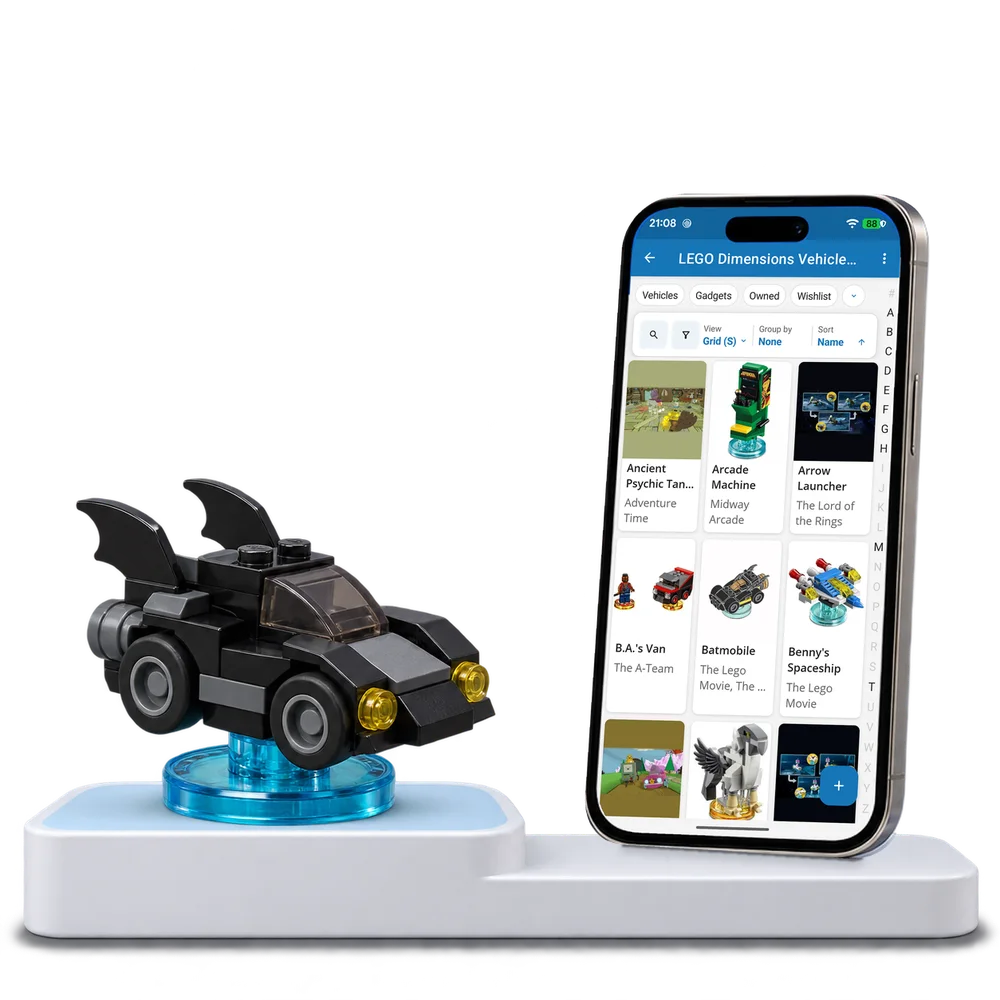
Take a look inside
Browse a real Dimensions vehicle and gadget collection, change the view and open a model to explore its build details.
No account. No install.
FROM ONE BUILD TO THE NEXT
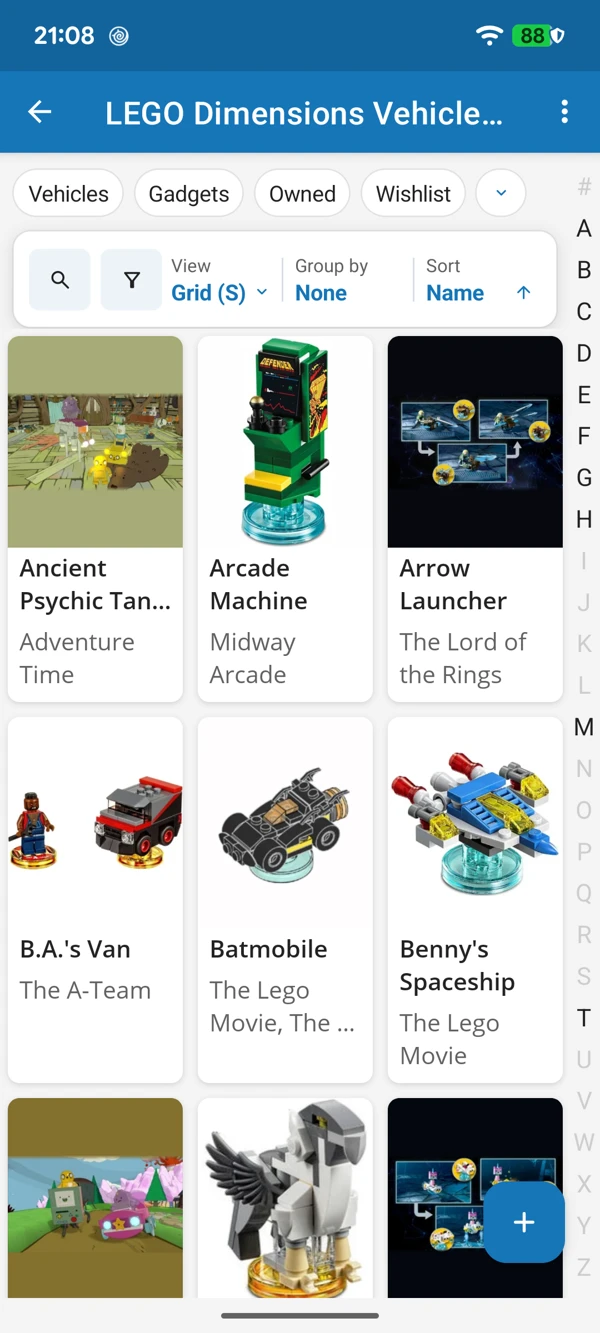
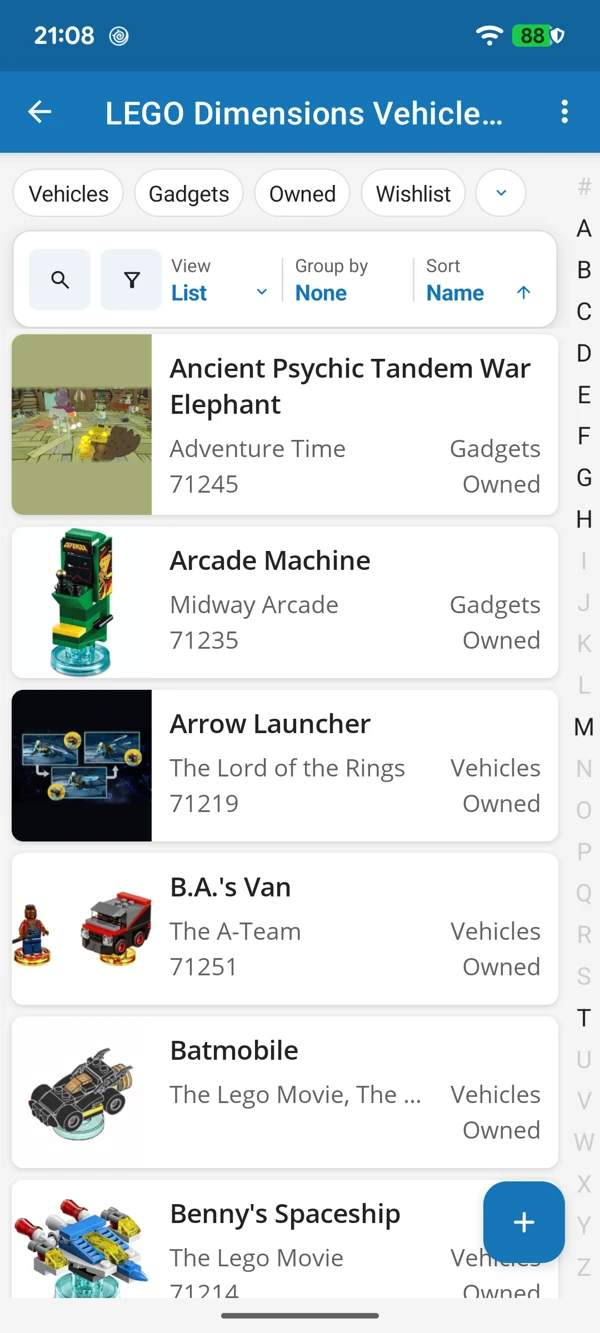
Browse your vehicles and gadgets by picture or compare their recorded details in a list. Keep source packs and current builds close when models have changed over time.
Tap a screenshot for a closer look.
Choose the LEGO Dimensions Vehicles & Gadgets template and add your first build. Adapt its details as your collection grows.
No account needed to start on mobile. Sign in for web access and sync.
Free to use. Built by collectors.