Know what belongs in the pack.
Record figures, models, instructions and missing parts with the pack they came from.
LEGO Dimensions Packs
Keep your LEGO Dimensions packs, builds and wanted releases together. Remember the figures, models and toy tags that belong to each pack, along with the details of your own copy.


No account needed to start on mobile. Sign in for web access and sync.
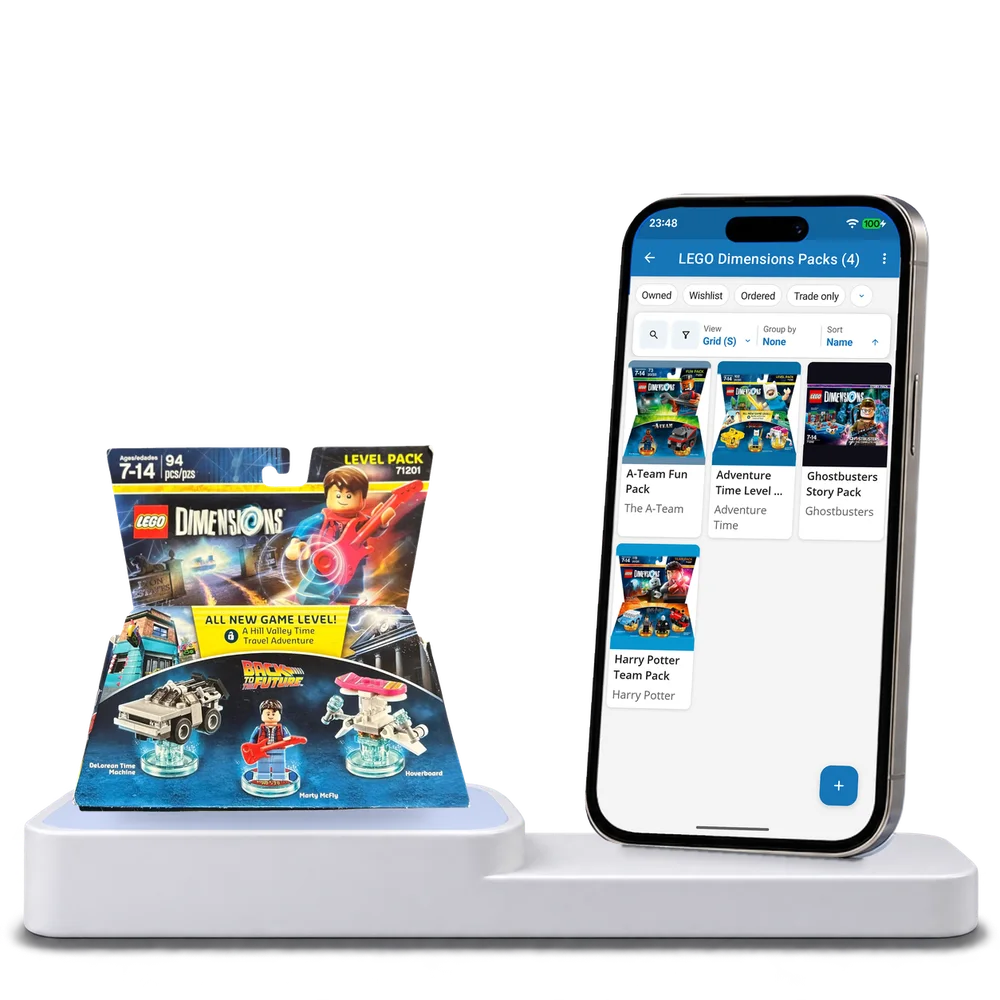
Take a look inside
Browse a real LEGO Dimensions pack collection, change the view and open a pack to inspect its contents and build notes.
No account. No install.
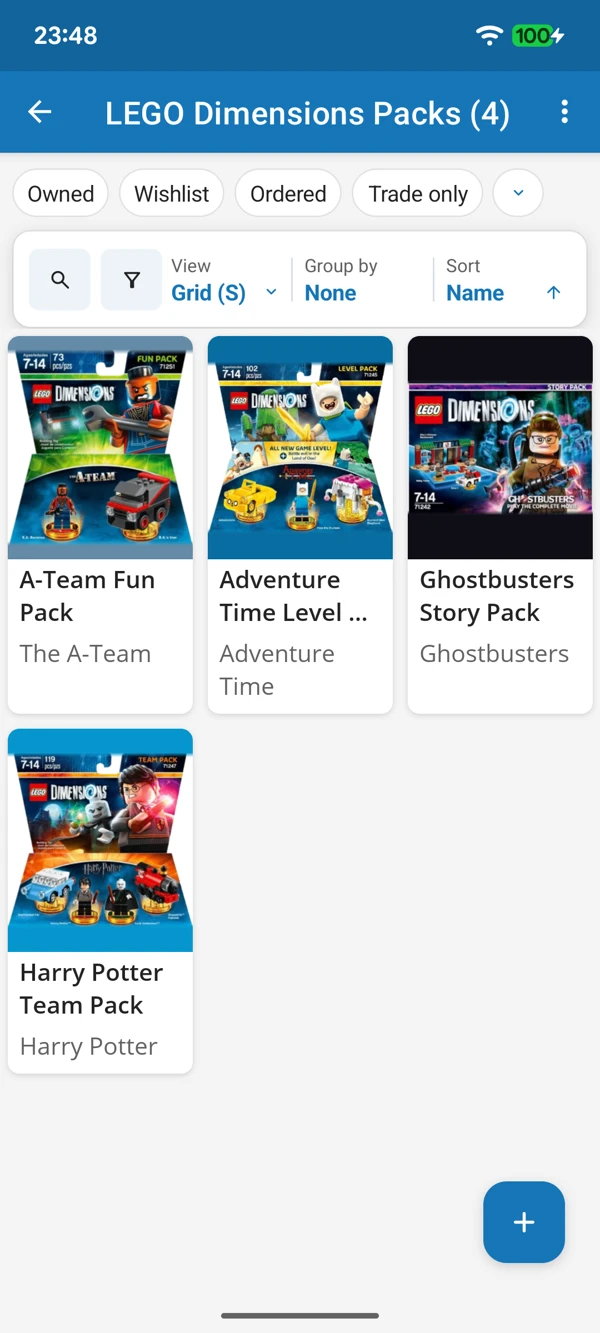
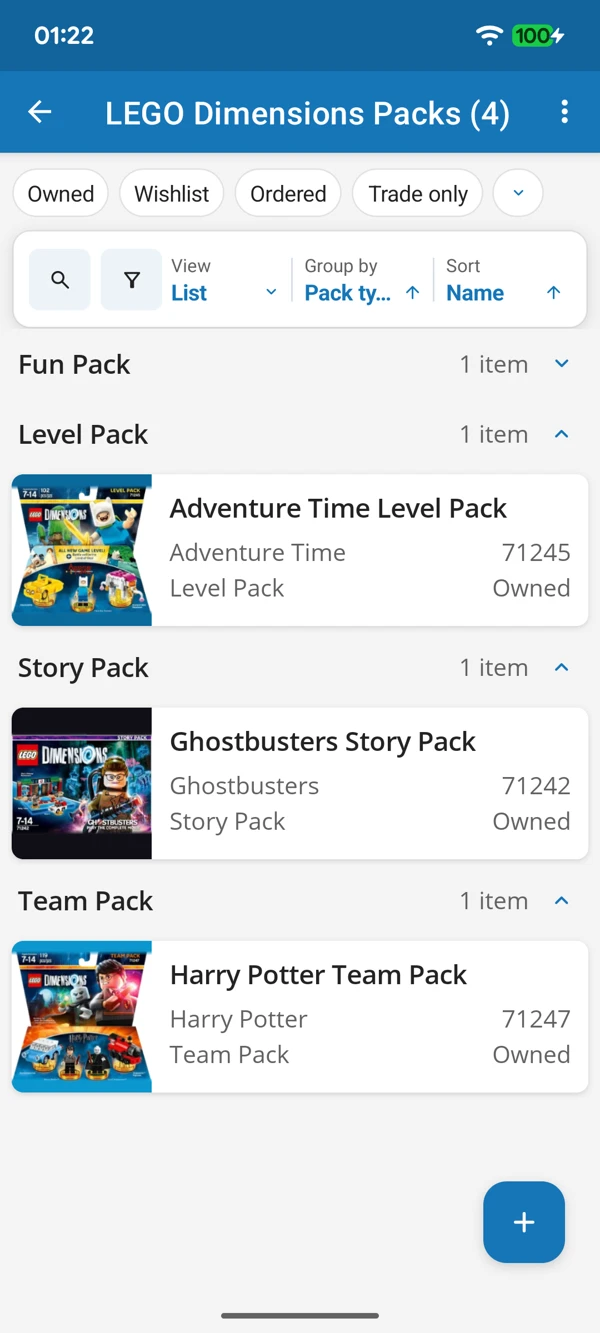
FROM THE BOX TO THE TOY PAD
Browse pack artwork or bring pack types together in a list. Keep set numbers and completeness notes close when you find a loose or boxed release.
Tap a screenshot for a closer look.
Choose the LEGO Dimensions Packs template and add your first release. Keep its contents and your own copy details close.
No account needed to start on mobile. Sign in for web access and sync.
Free to use. Built by collectors.