Keep the story of a gift.
Record who a piece came from, its provenance and the memories you want to preserve.
Jewelry
Keep the jewelry you wear, inherit and treasure together. Remember materials, makers and the personal details that turn a beautiful piece into something more.


No account needed to start on mobile. Sign in for web access and sync.
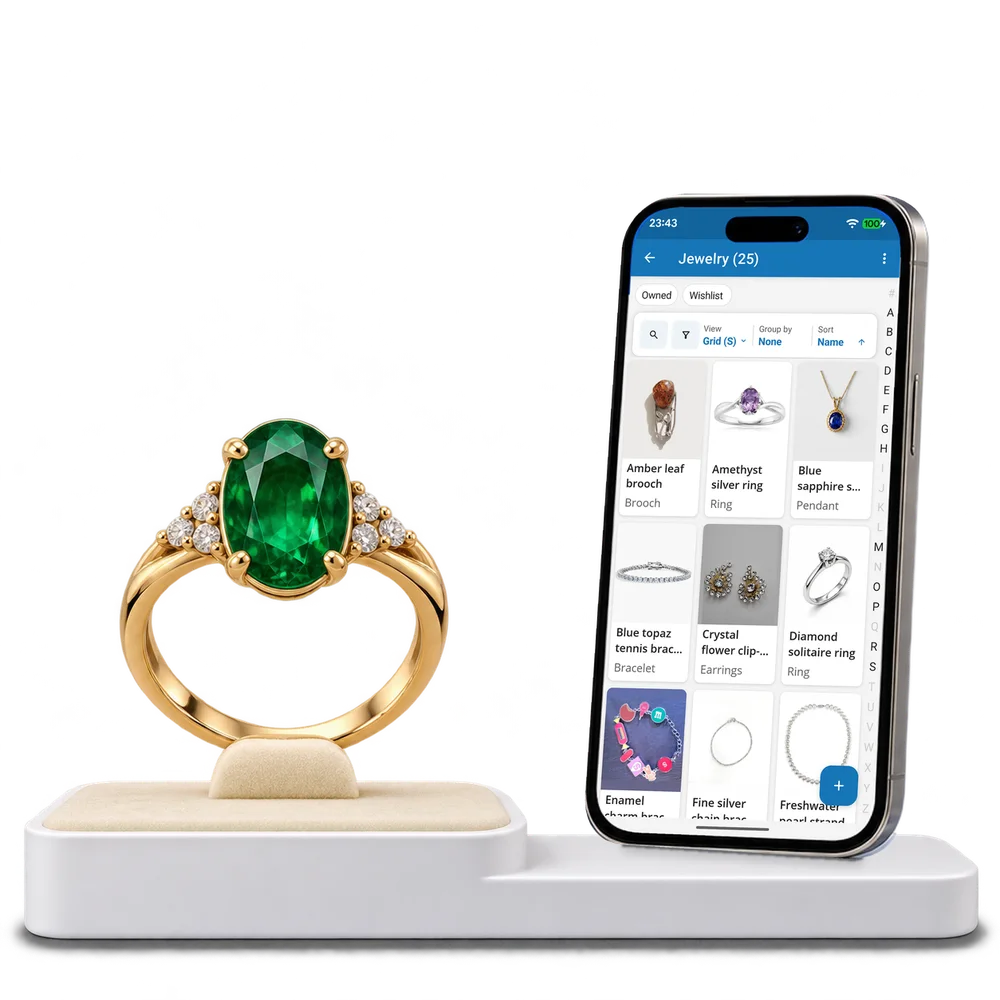
Take a look inside
Explore a real jewelry collection, switch views and open a piece to read its materials and recorded history.
No account. No install.
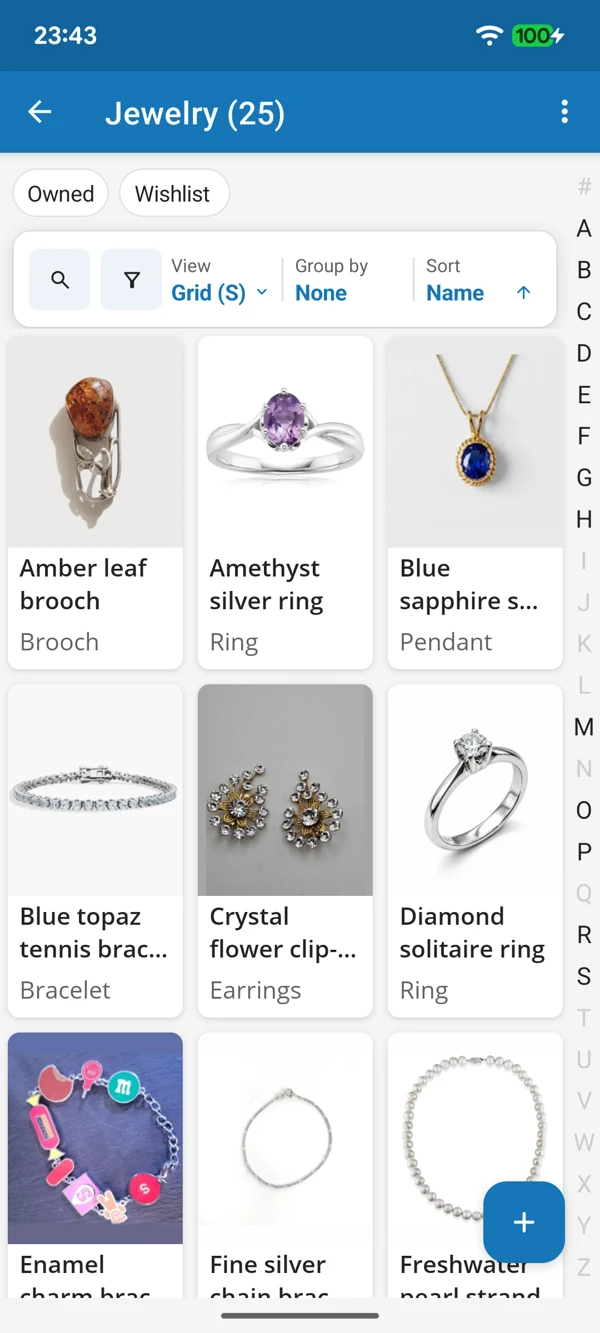
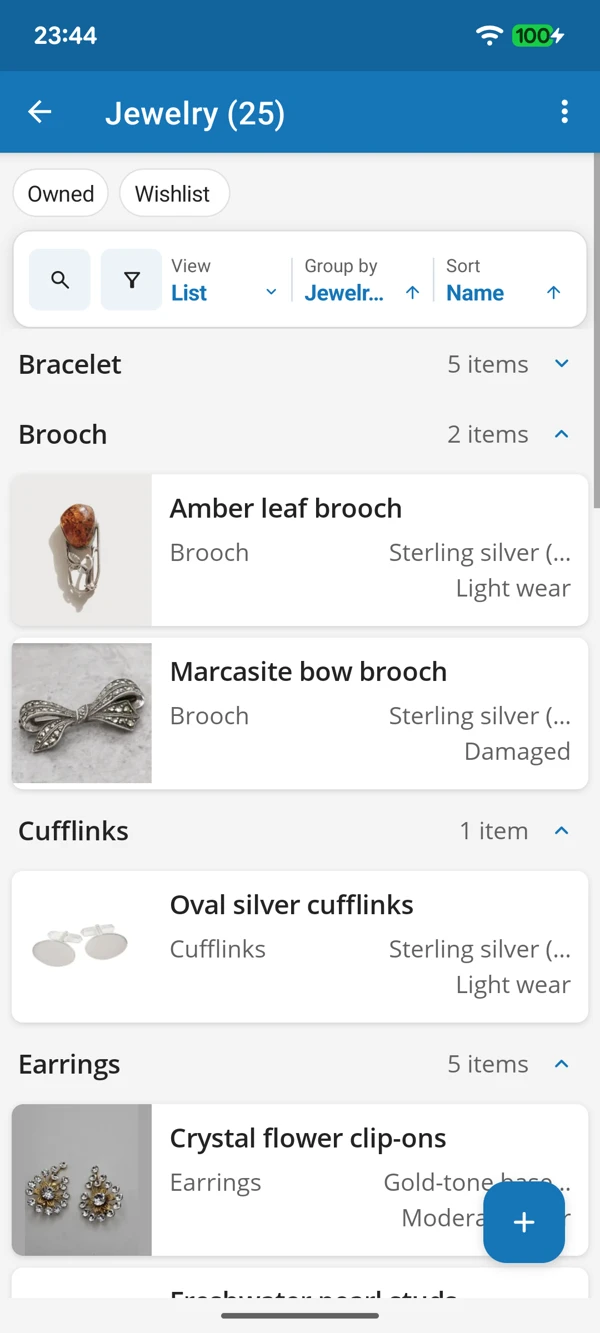
FROM EVERYDAY FAVOURITES TO HEIRLOOMS
Browse photographs of each piece or bring jewelry types together in a list. Find the ring, necklace or keepsake you had in mind without opening every box.
Tap a screenshot for a closer look.
Choose the Jewelry template and add your first piece. Make room for its details and its personal story.
No account needed to start on mobile. Sign in for web access and sync.
Free to use. Built by collectors.