Know which revision you found.
Record model numbers, regions and editions so similar-looking devices keep their identities.
Gaming Hardware
Keep your gaming hardware, revisions and accessories together. Remember what works, what is missing and which version of a familiar machine is on your shelf.


No account needed to start on mobile. Sign in for web access and sync.
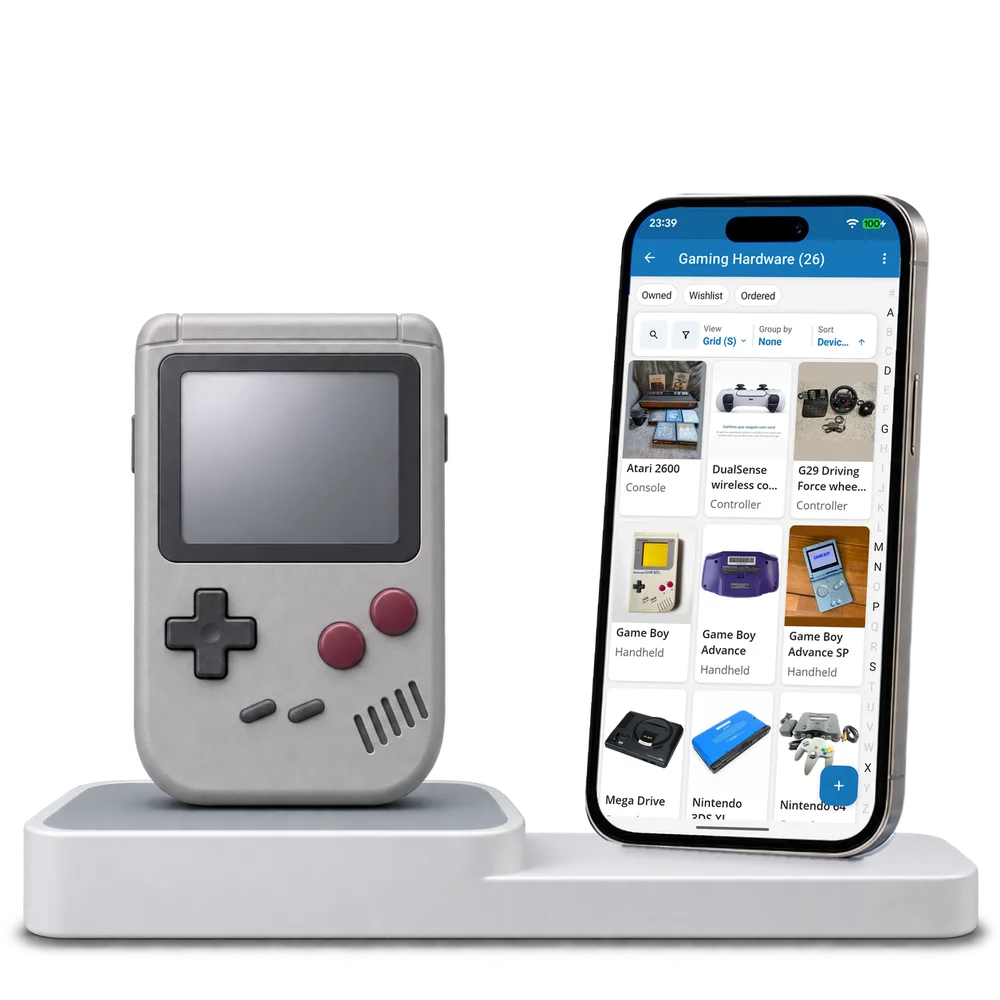
Take a look inside
Browse a real gaming hardware collection, change the view and open a device to inspect its model and test details.
No account. No install.
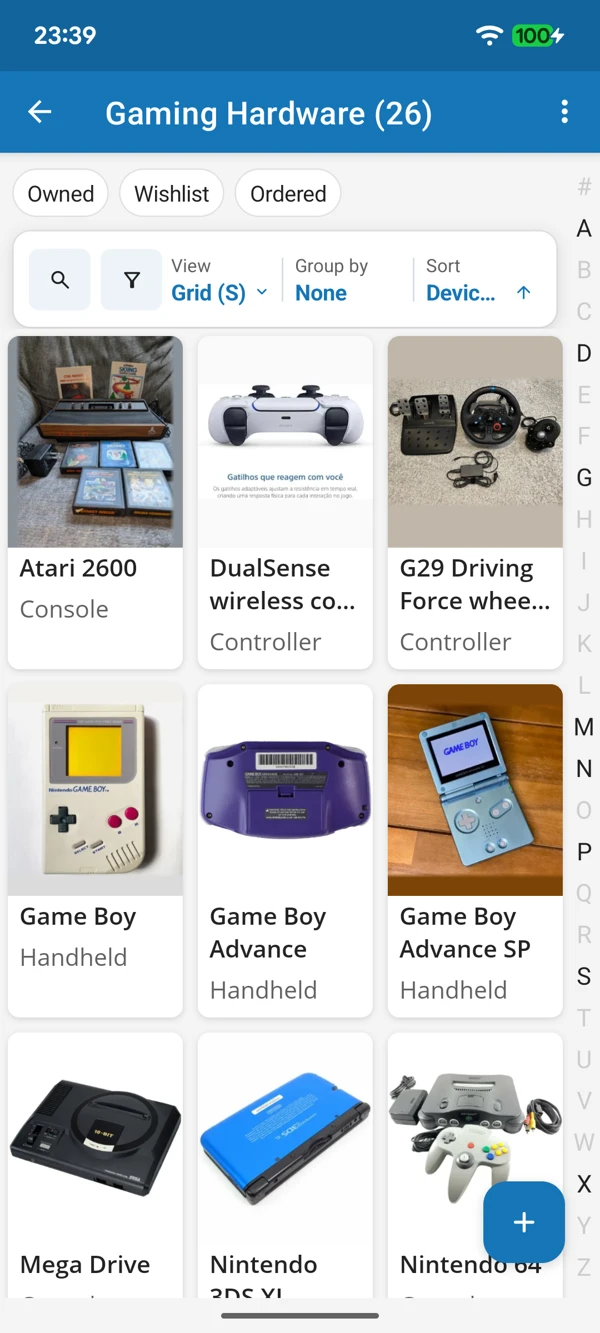
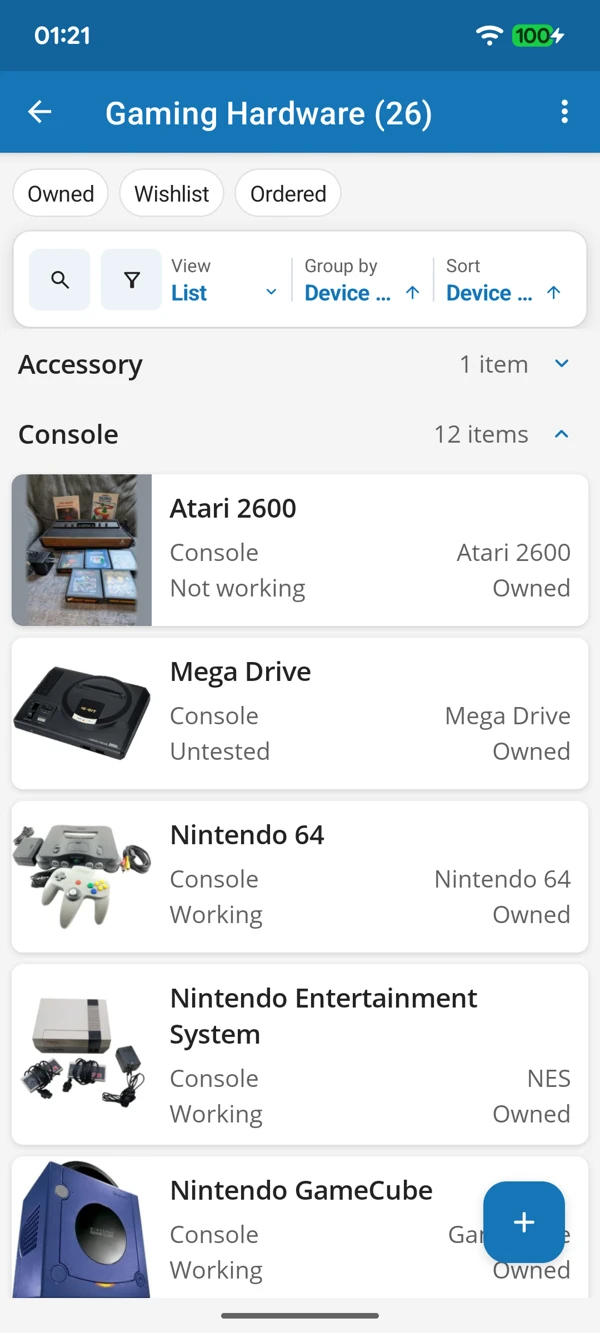
FROM FIRST CONSOLE TO FAVOURITE CONTROLLER
Browse device photographs or bring device types together in a list. Keep model revisions and recorded compatibility close when you are checking a new find.
Tap a screenshot for a closer look.
Choose the Gaming Hardware template and add a device. Keep its identity, test notes and accessories in one place.
No account needed to start on mobile. Sign in for web access and sync.
Free to use. Built by collectors.