Remember which version it is.
Record chase details, exclusives and finishes so a familiar character keeps its exact identity.
Funko Pops
Keep your Funko Pops, special variants and wishlist together. Remember box numbers, exclusives and the condition of the copy you actually own.


No account needed to start on mobile. Sign in for web access and sync.
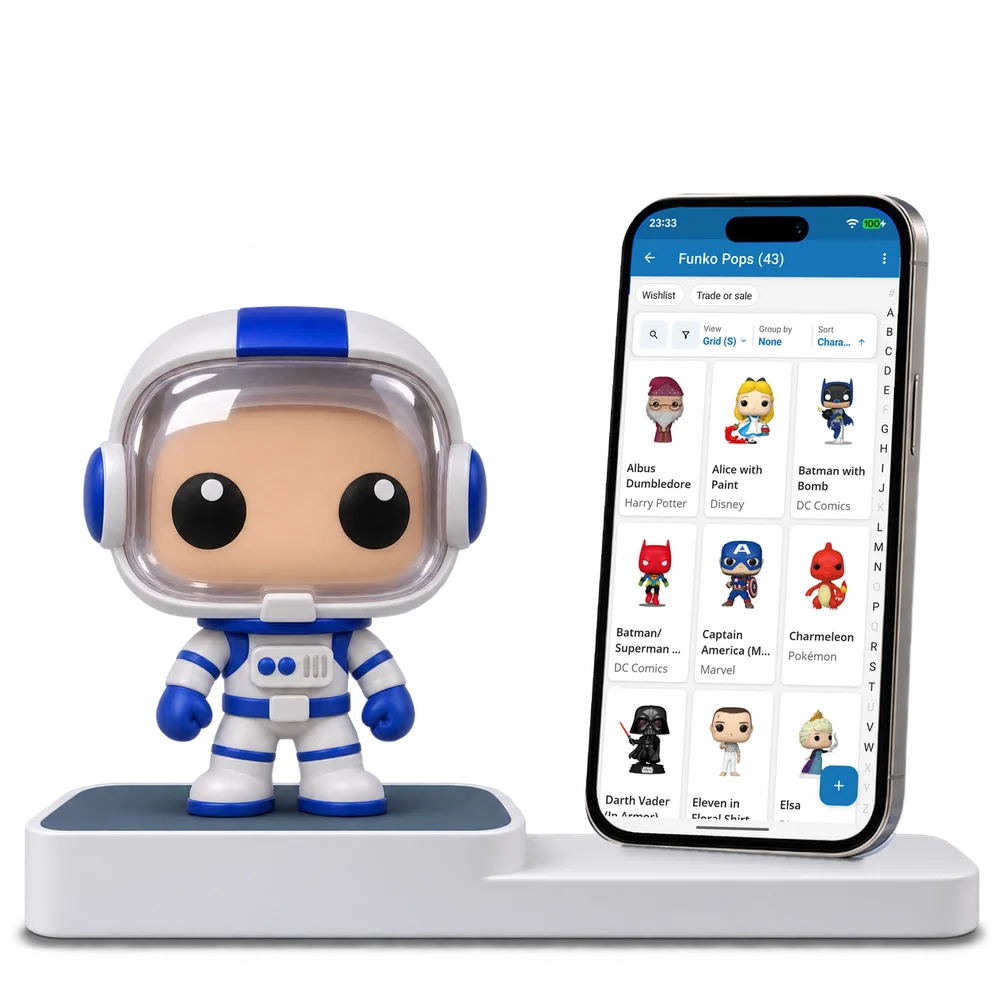
Take a look inside
Explore a real Funko Pop collection, change the view and open a figure to inspect its variant and box details.
No account. No install.
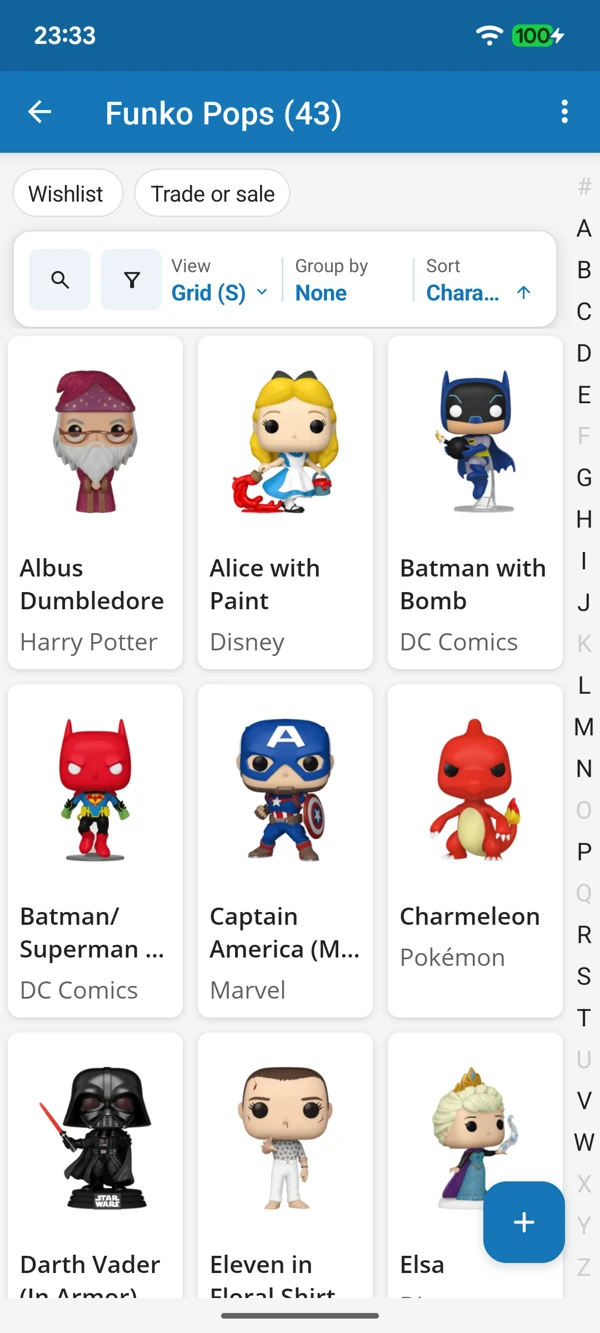
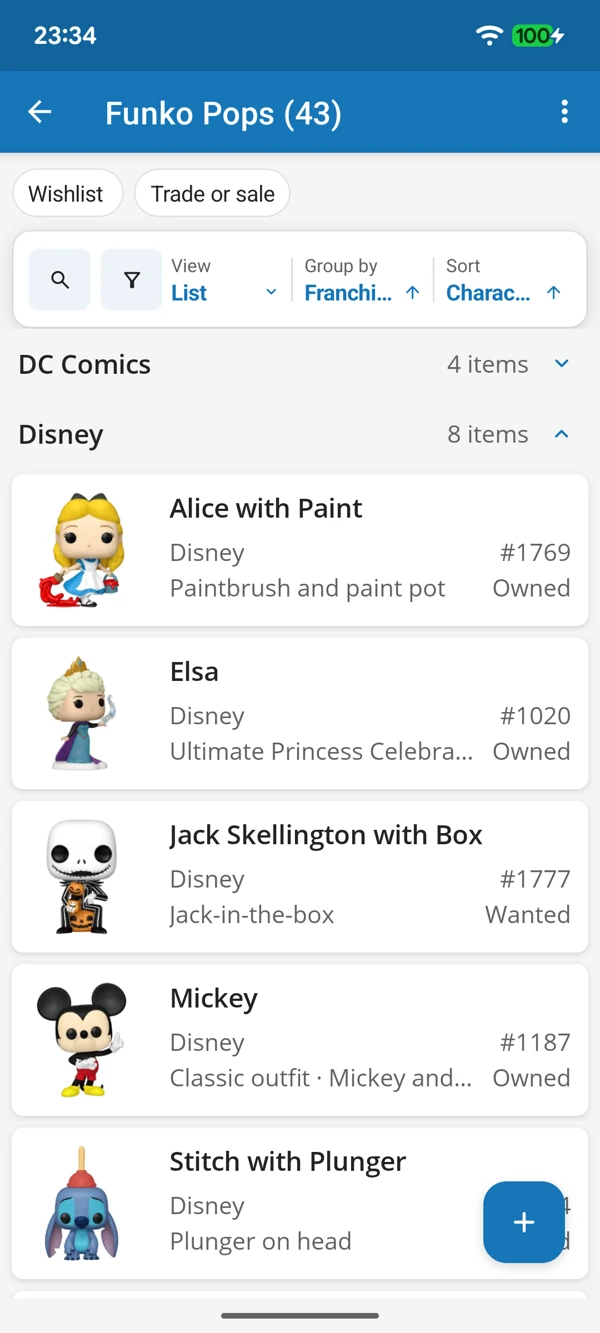
A SHELF FULL OF FAMILIAR FACES
Browse the characters by picture or bring franchises together in a list. Keep box numbers and variant details within reach when a new release catches your eye.
Tap a screenshot for a closer look.
Choose the Funko Pops template and add a favourite character. Keep the details that make your version special.
No account needed to start on mobile. Sign in for web access and sync.
Free to use. Built by collectors.