Remember what belongs with the doll.
Record outfits, accessories and missing pieces so the doll and its contents stay connected.
Dolls
Keep your dolls, editions and wanted releases together. Remember outfits, accessories and the details of each doll’s time in your collection.


No account needed to start on mobile. Sign in for web access and sync.
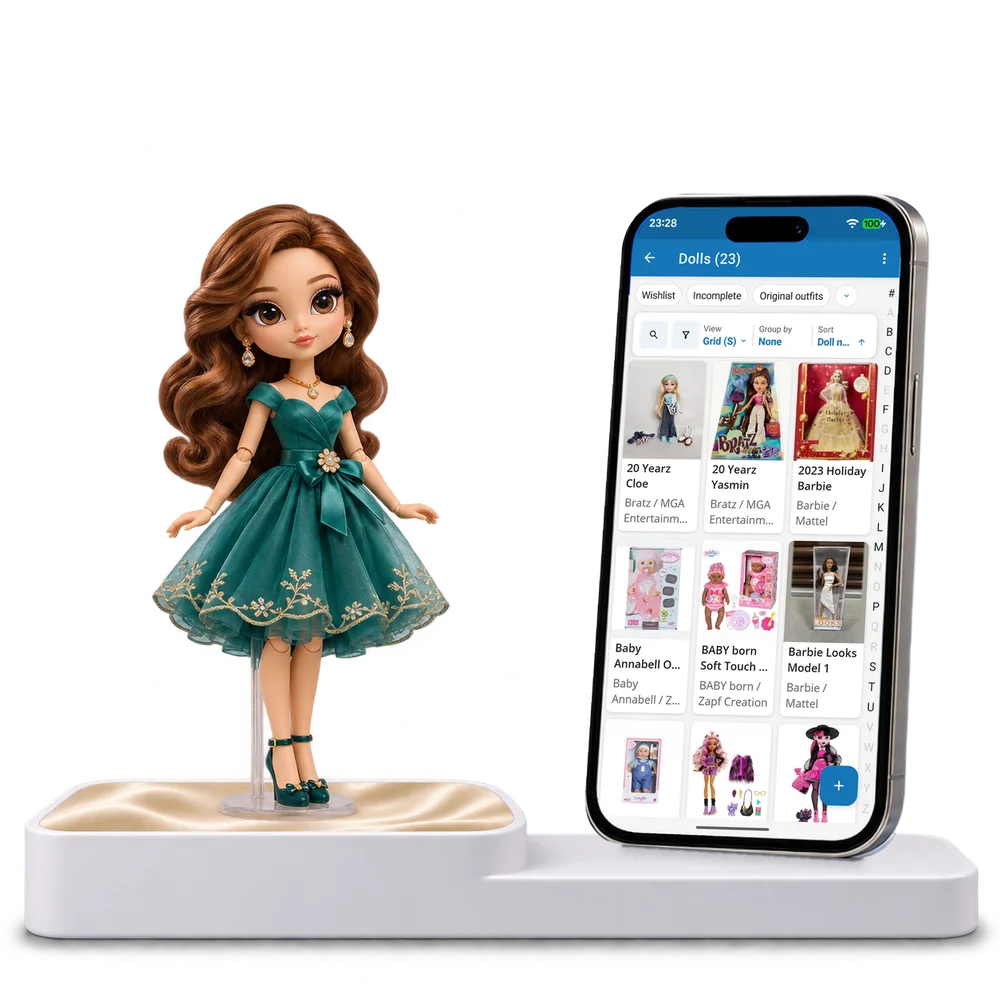
Take a look inside
Browse a real doll collection, change the view and open a doll to explore its edition, outfit and condition details.
No account. No install.
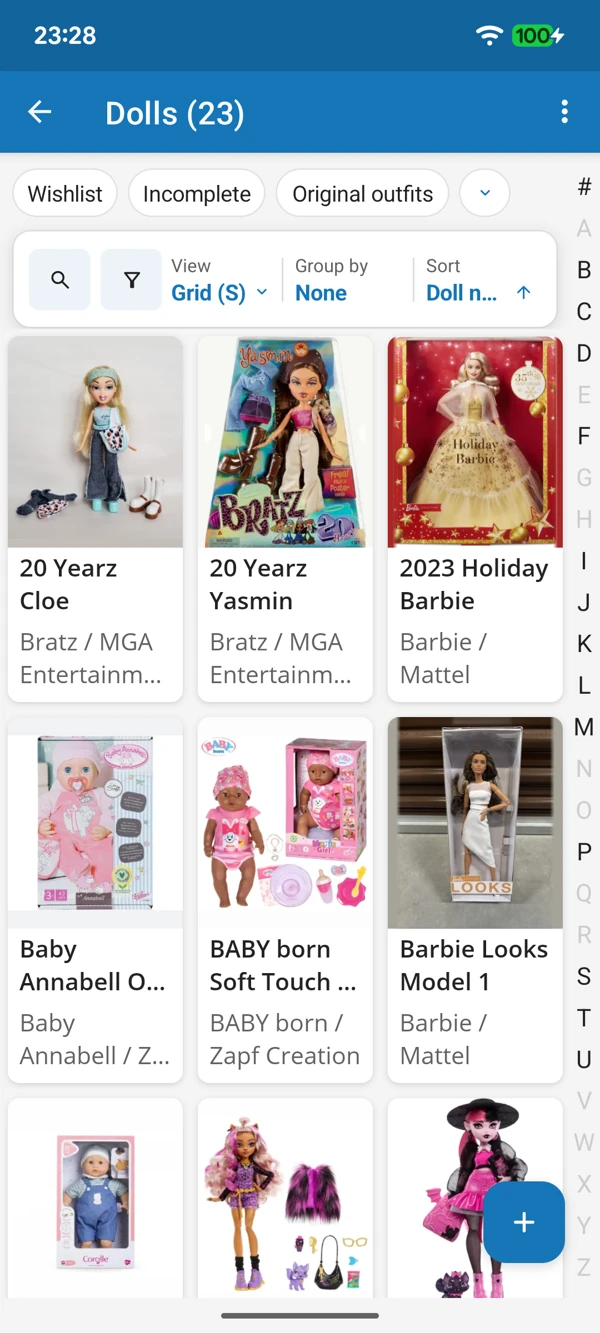
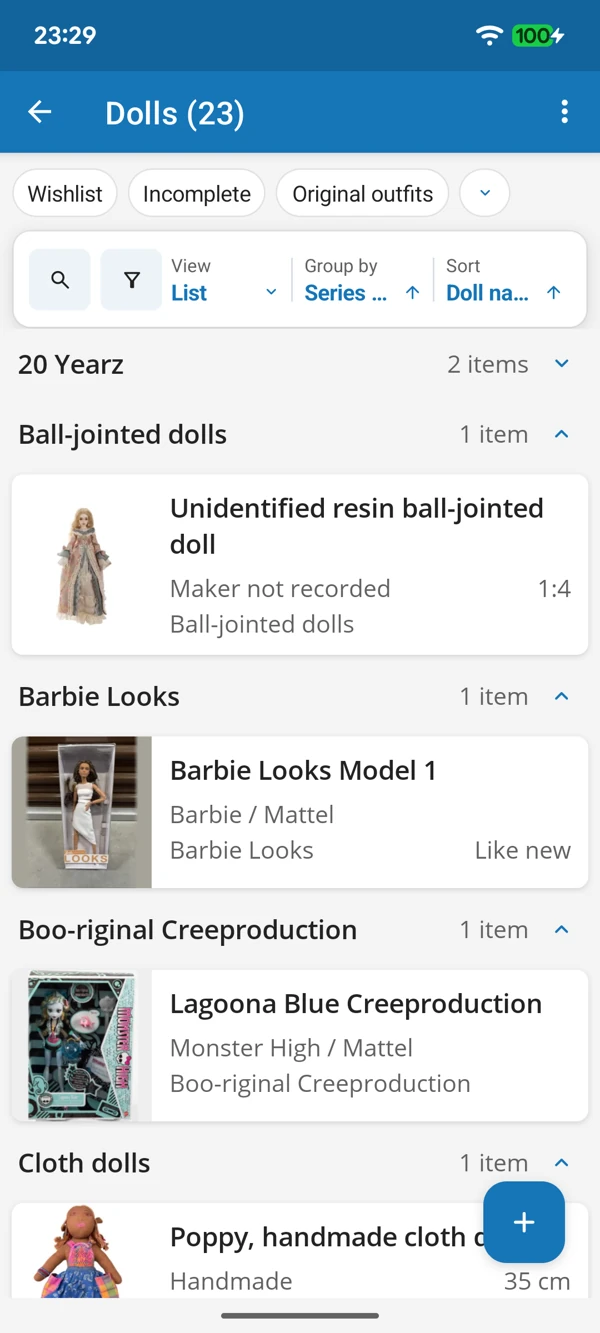
FROM FAVOURITE FACE TO LITTLE DETAIL
Browse portraits or bring series together in a list. Keep sizes and editions close when a familiar character appears in another release.
Tap a screenshot for a closer look.
Choose the Dolls template and add a favourite character. Keep the starting details or adapt them to the dolls you collect.
No account needed to start on mobile. Sign in for web access and sync.
Free to use. Built by collectors.