Know what you already have
Check your collection when you spot something new. Keep owned items and your wishlist together, wherever you are.
Custom collection
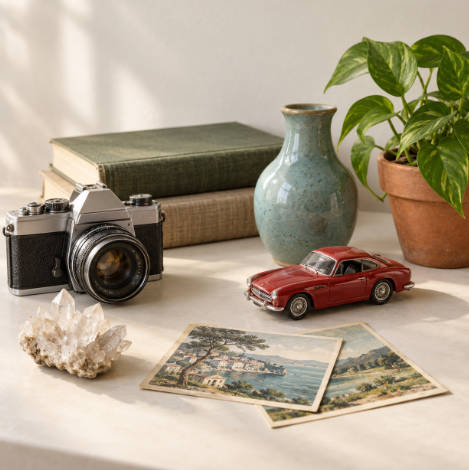
Vintage cameras, concert tickets or something only you collect: start a simple collection with names and photos. Add details such as the maker, date or where you found each piece when you need them.


No account needed to start on mobile. Sign in for web access and sync.
For Android and iPhone. Built by collectors.
Start your collection
Open My Collections and choose Add collection. Use the option to create your own collection, give it a name, then add your first item. You can add fields as your collection grows.
Make it yours
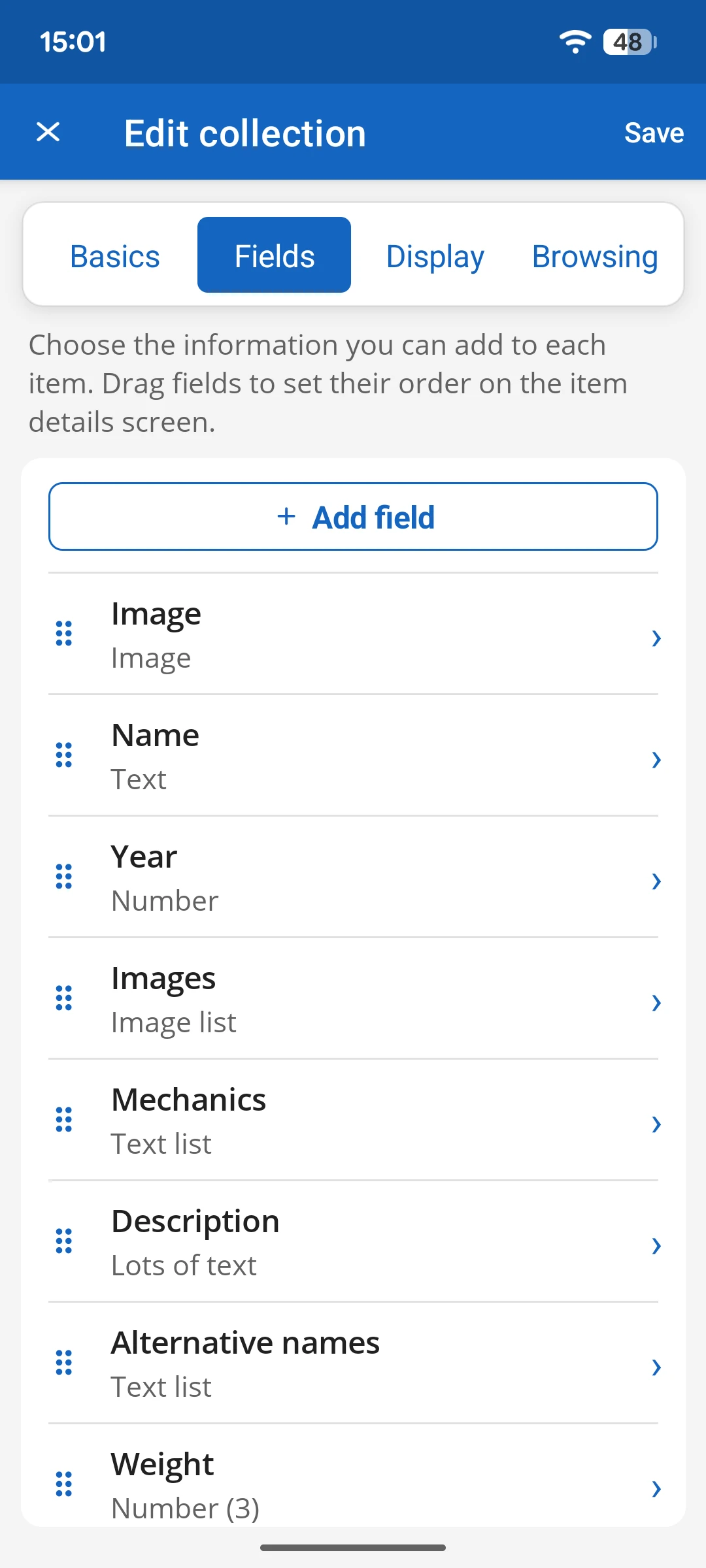
Add, rename, or remove fields and choose how to display them. Keep the details that matter to you. These examples are just a starting point.
Some ideas to make your own:
Check your collection when you spot something new. Keep owned items and your wishlist together, wherever you are.
Your photos, notes, ratings, and custom fields. Choose the details you want to see and find an item with search and filters.
Keep it private, share a link, or invite someone to contribute. You choose how much of your collection others can see.
Keep your collection close. Get My Collections for Android or iPhone.
No account needed to start on mobile. Sign in for web access and sync.