Check the small differences.
Record mint marks, varieties and catalogue references so similar coins do not lose their individual identities.
Coins
Give each coin a place beyond the album. Keep its date, mint mark and the details of your particular copy together, with clear photos of both sides.


No account needed to start on mobile. Sign in for web access and sync.
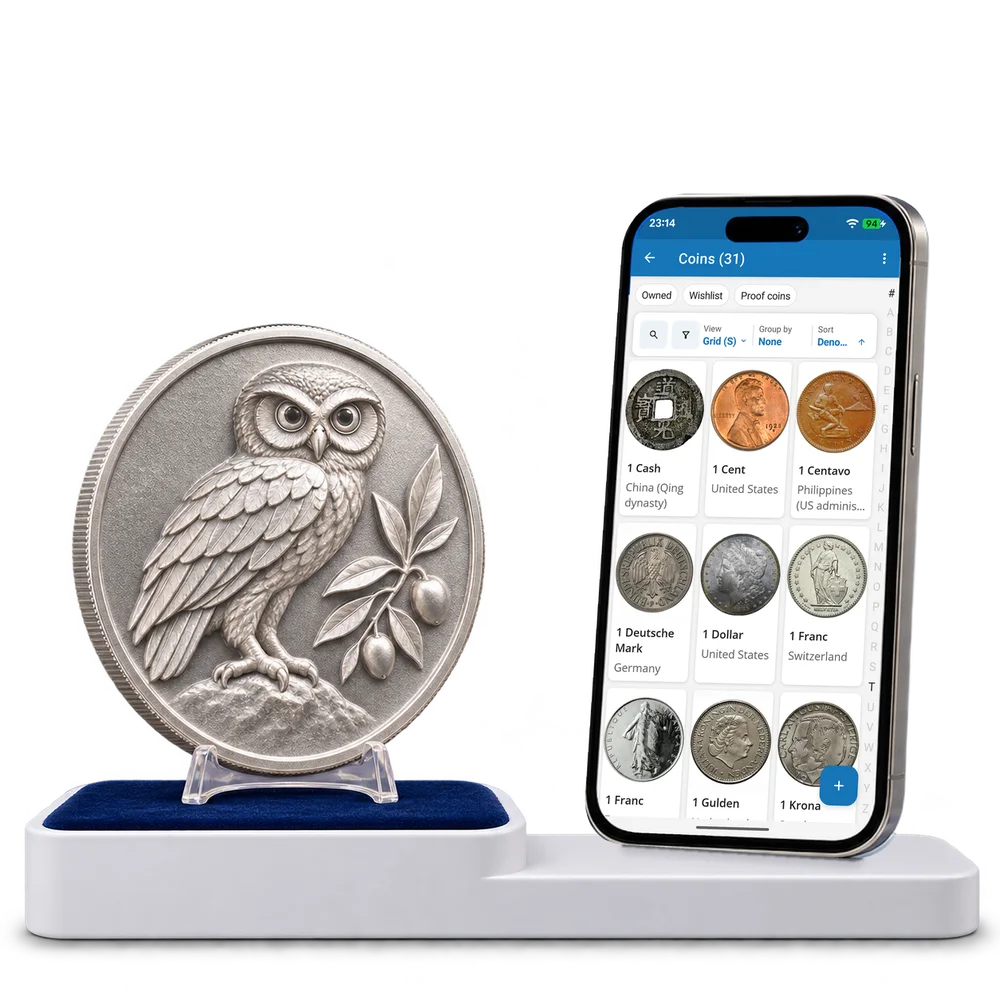
Take a look inside
Explore a real coin collection, change the view and open a coin to inspect its recorded details.
No account. No install.
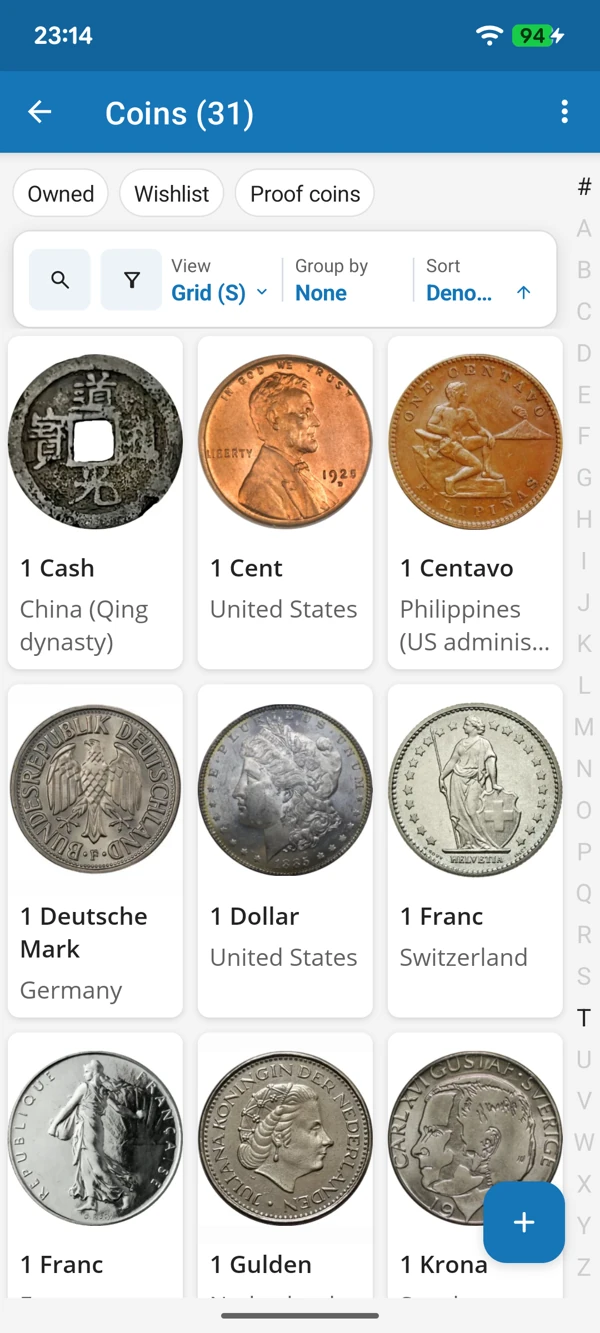
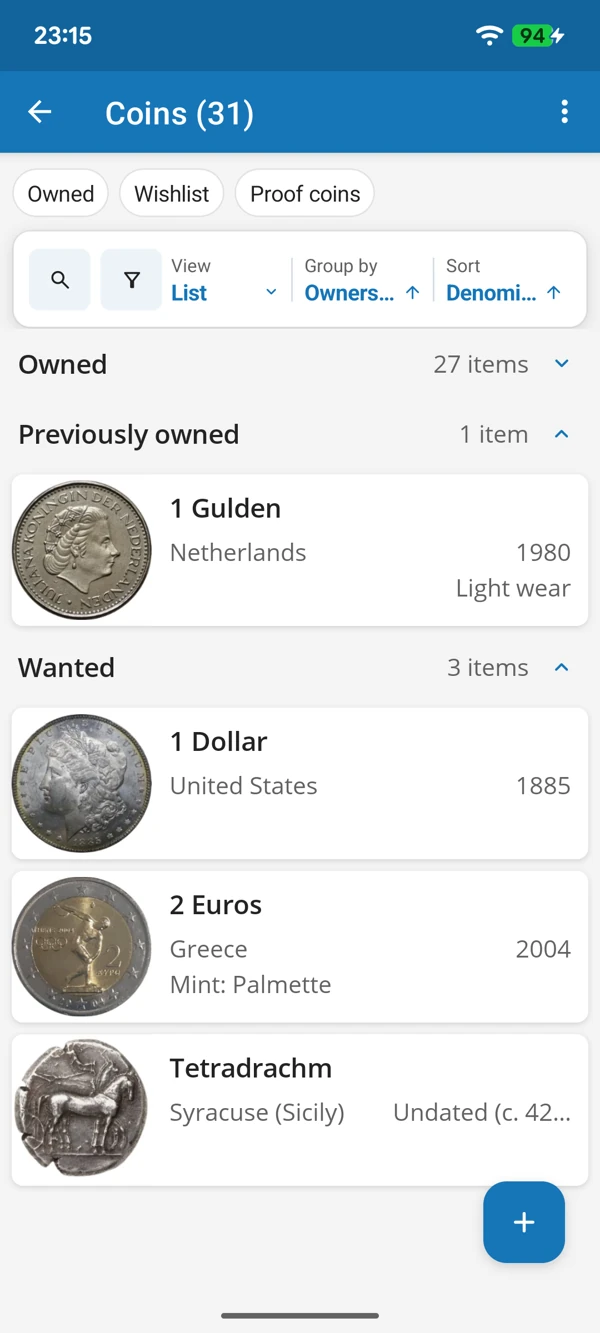
A CLOSER LOOK AT EVERY COIN
Recognize a coin by its design, then switch to a list to compare issuers, dates and the copies you own. Keep the information close when a new find catches your eye.
Tap a screenshot for a closer look.
Choose the Coins template and add your first piece. Use the prepared details or adapt them to your collecting interests.
No account needed to start on mobile. Sign in for web access and sync.
Free to use. Built by collectors.