Leave room for a new story.
Check your books and wishlist at the bookshop before bringing home a copy you already own.
Books
Keep the books you own, the stories you want to read and the editions you treasure together. Remember where you left off and which copy is already waiting at home.


No account needed to start on mobile. Sign in for web access and sync.
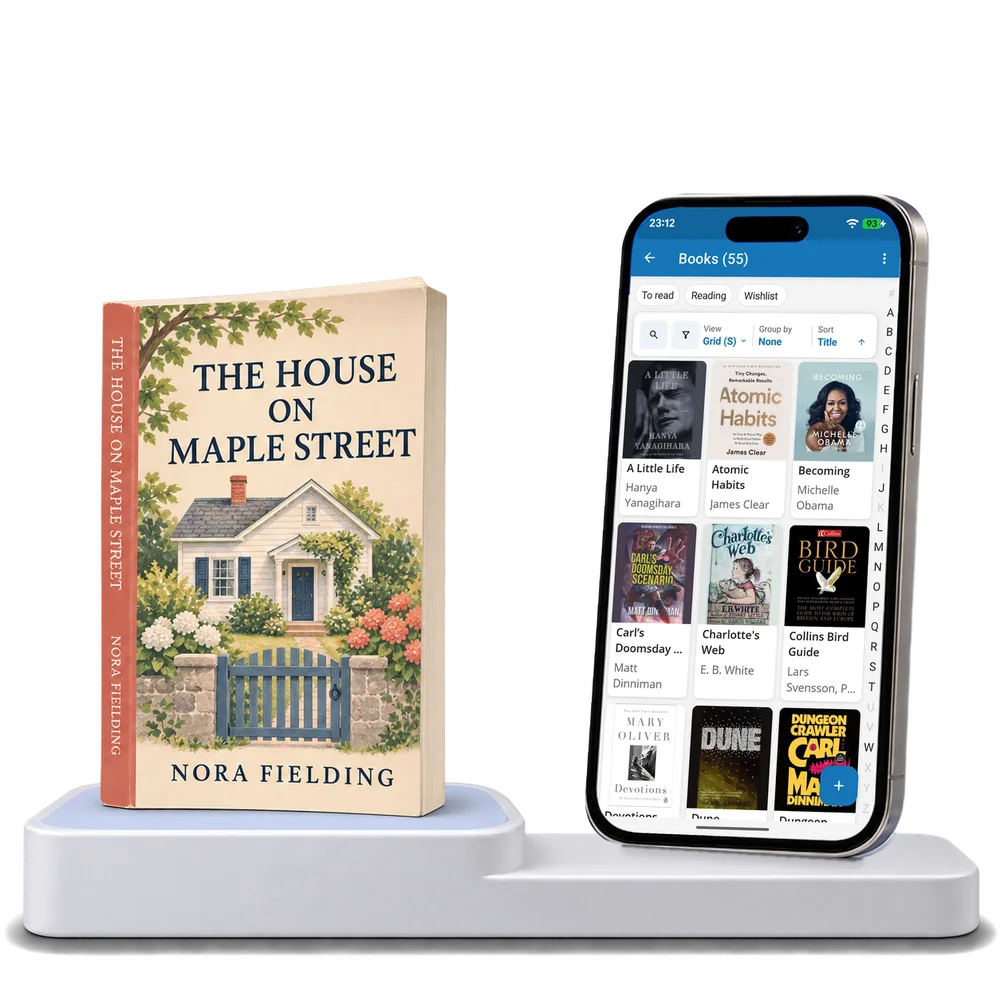
Take a look inside
Browse a real bookshelf, switch views and open a book to see its edition and reading details.
No account. No install.
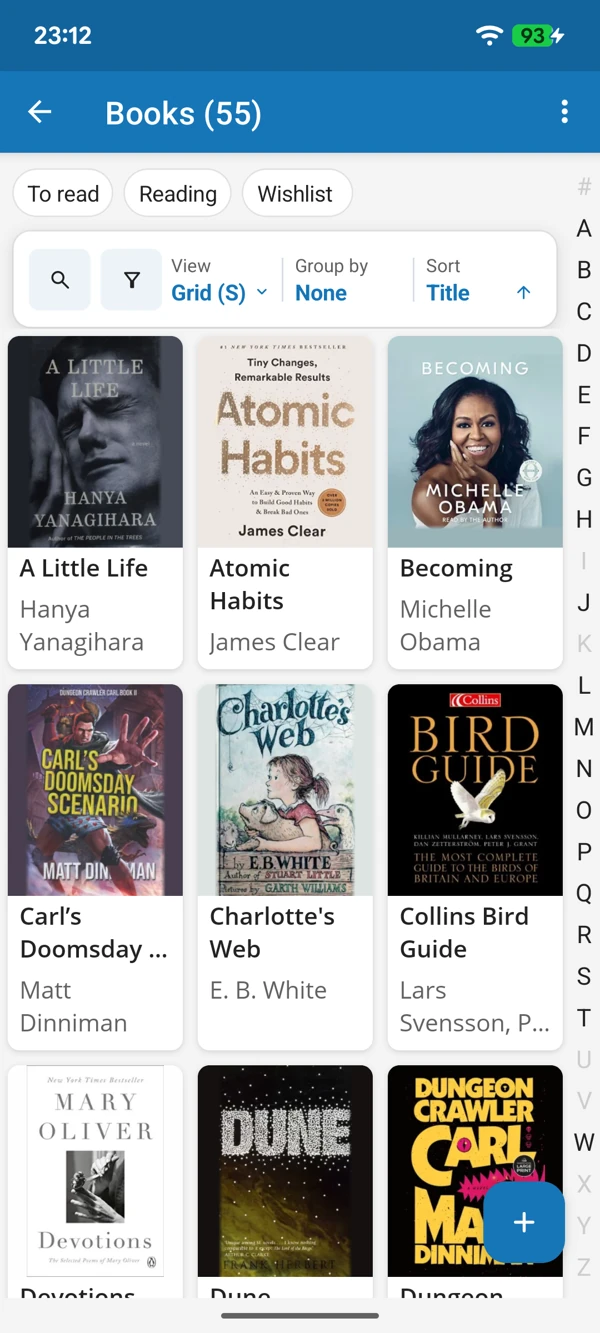
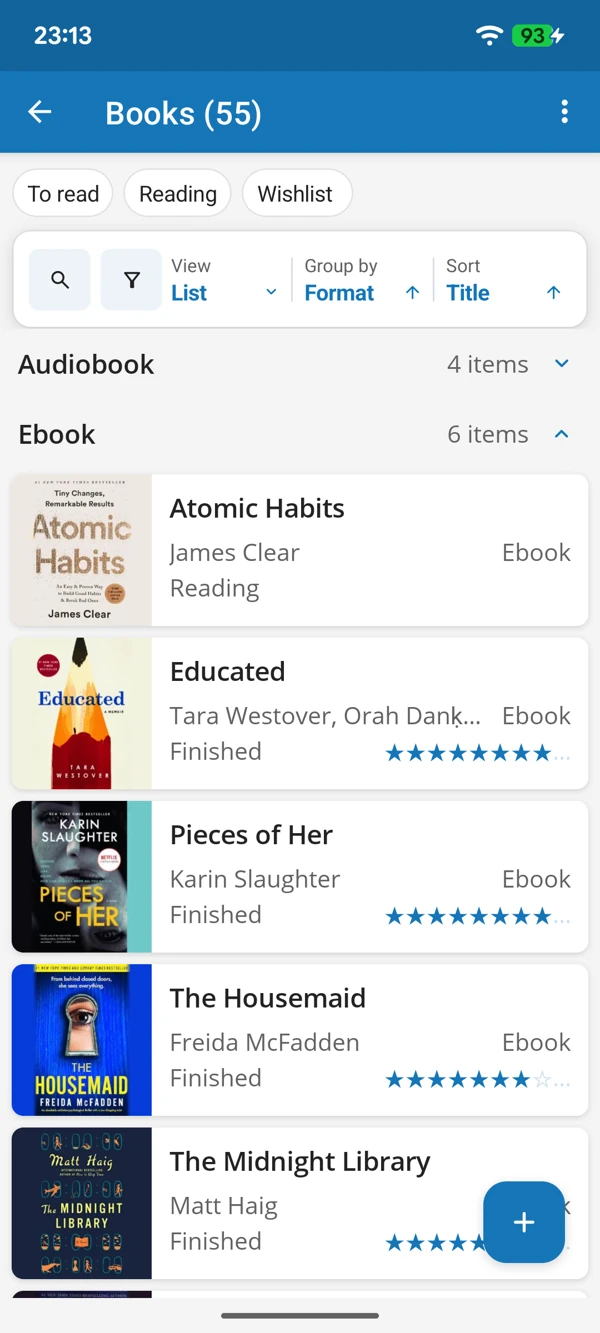
FROM SHELF TO READING CHAIR
Browse the covers when you need inspiration, or use the list to check authors, formats and reading progress. Your next read is easier to find when your books are all together.
Tap a screenshot for a closer look.
Choose the Books template and add your first book. The details are ready, and you can change them whenever you like.
No account needed to start on mobile. Sign in for web access and sync.
Free to use. Built by collectors.