Remember the variant you found.
Keep series and variant details with the figure, especially when a favourite character has several releases.
amiibo figures
Keep your amiibo figures, wanted characters and special variants together. Remember the series, packaging and condition of the particular figures on your shelf.


No account needed to start on mobile. Sign in for web access and sync.
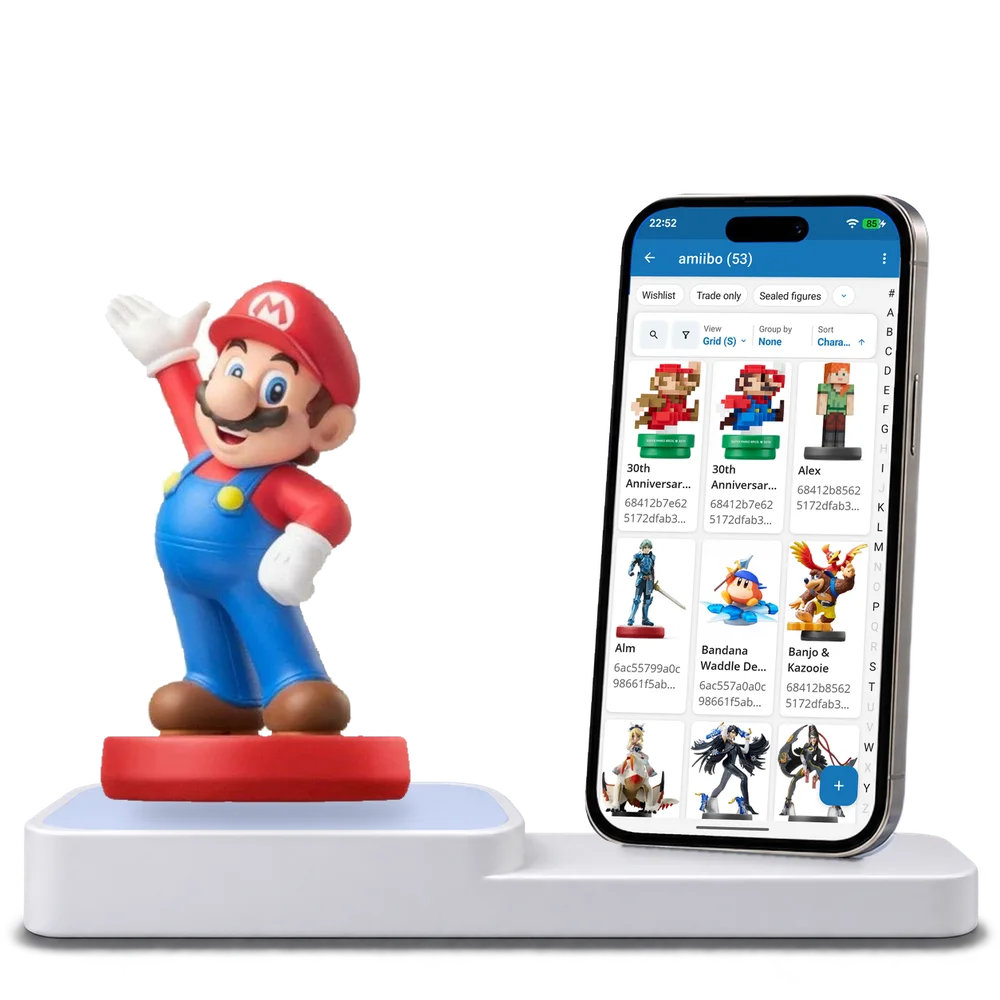
Take a look inside
Browse a real amiibo figure collection, switch views and open a character to see its release and copy details.
No account. No install.
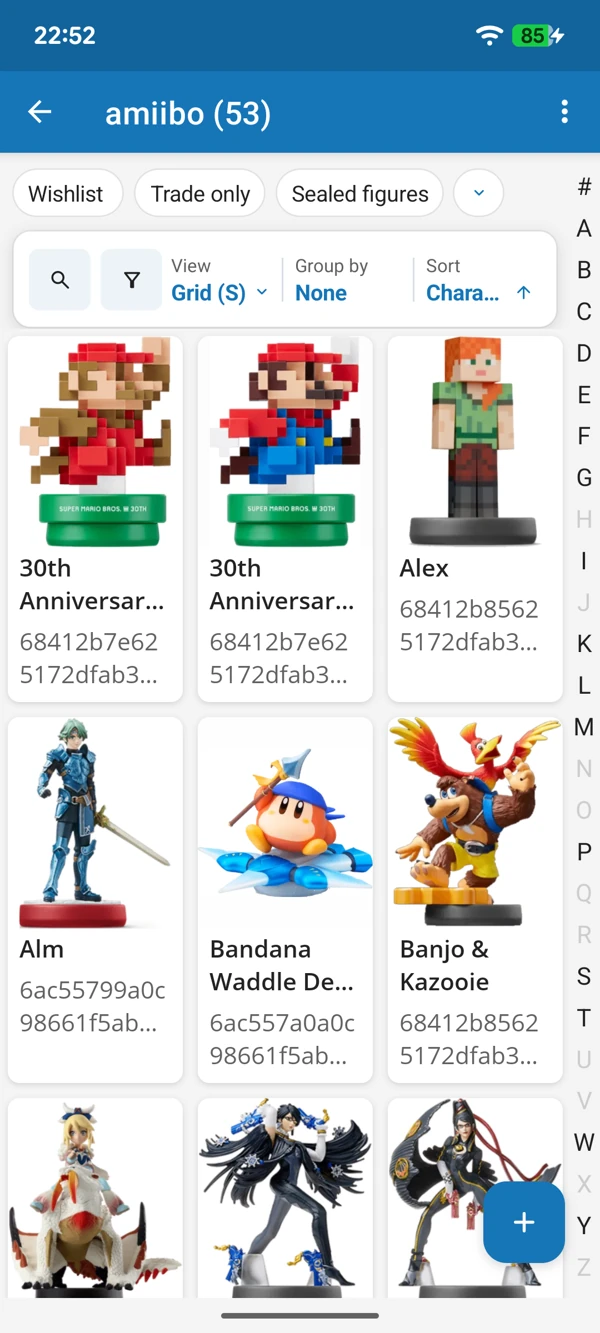
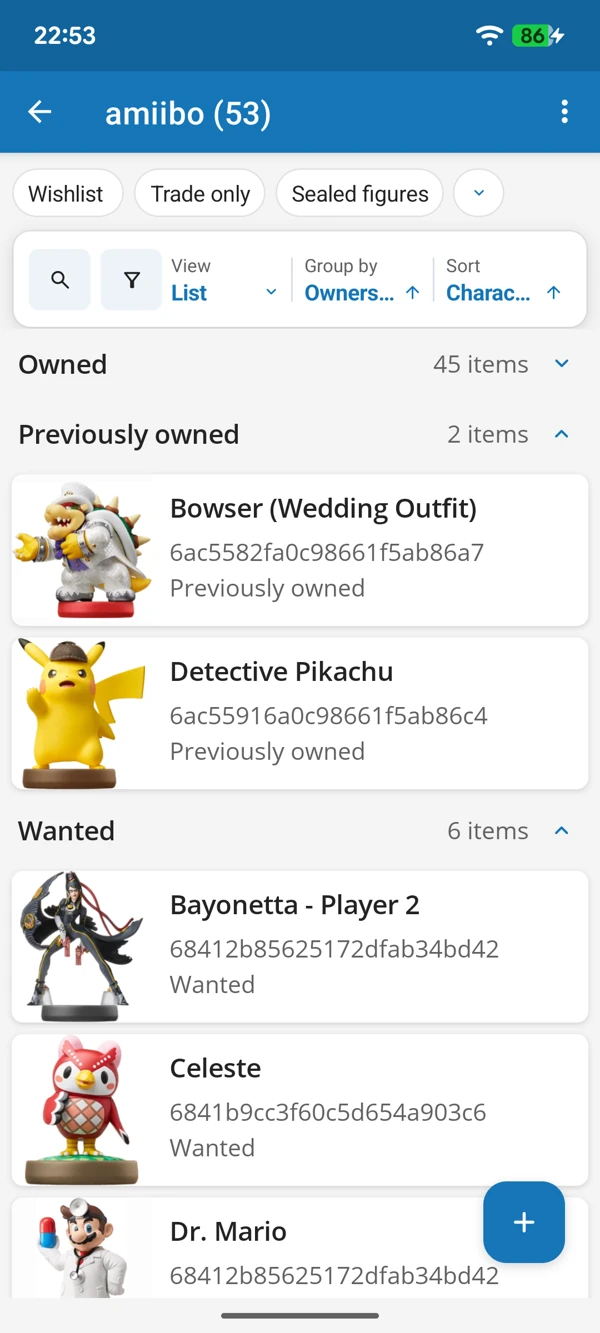
YOUR CHARACTERS, ALL TOGETHER
Enjoy your figures in a photo grid or check them in a list. Keep the characters you own separate from the ones you are still hoping to find.
Tap a screenshot for a closer look.
Choose the amiibo figures template and add a favourite character. Adapt the details whenever your collection needs it.
No account needed to start on mobile. Sign in for web access and sync.
Free to use. Built by collectors.