Check the number before the swap.
Keep the card number, series and variant together so a familiar character does not become an unwanted duplicate.
amiibo cards
Keep your amiibo cards, wanted characters and trade copies together. Remember card numbers, series and the condition of each copy without leafing through every binder.


No account needed to start on mobile. Sign in for web access and sync.
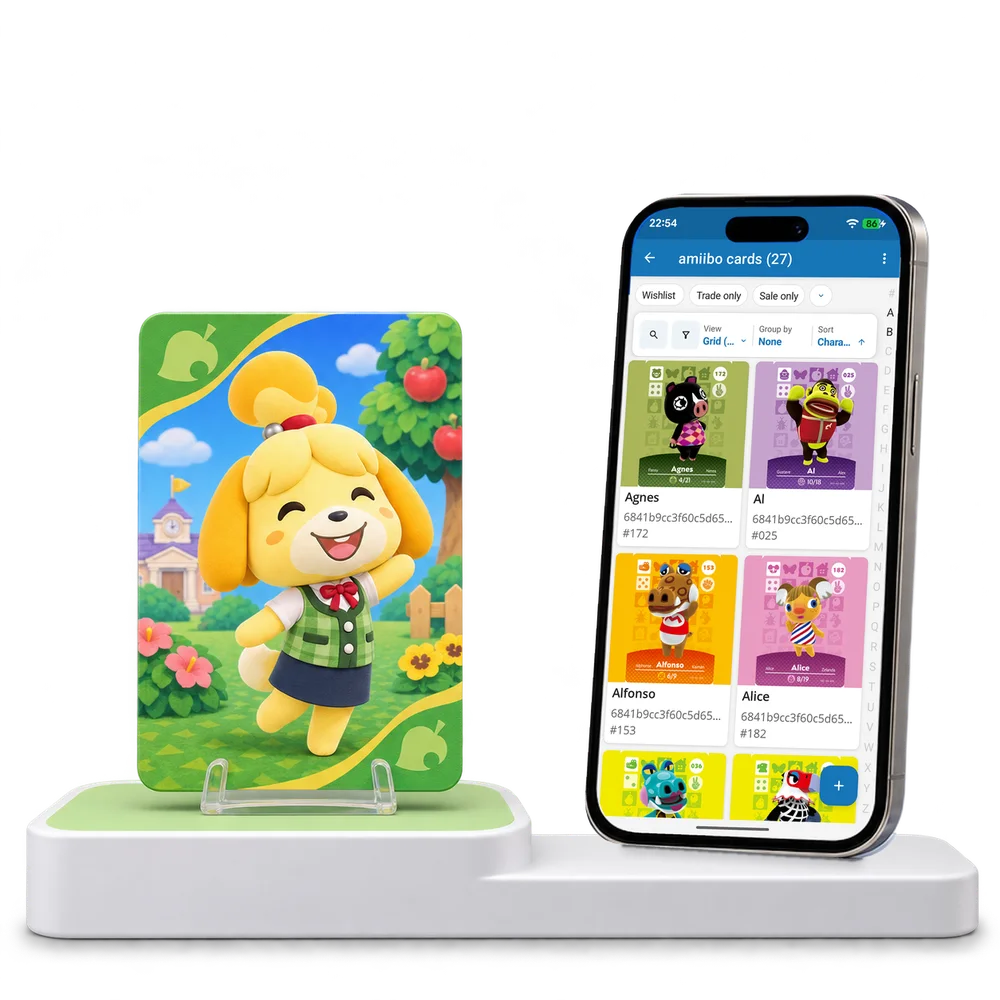
Take a look inside
Explore a real amiibo card collection, change the view and open a card to see its number and series.
No account. No install.
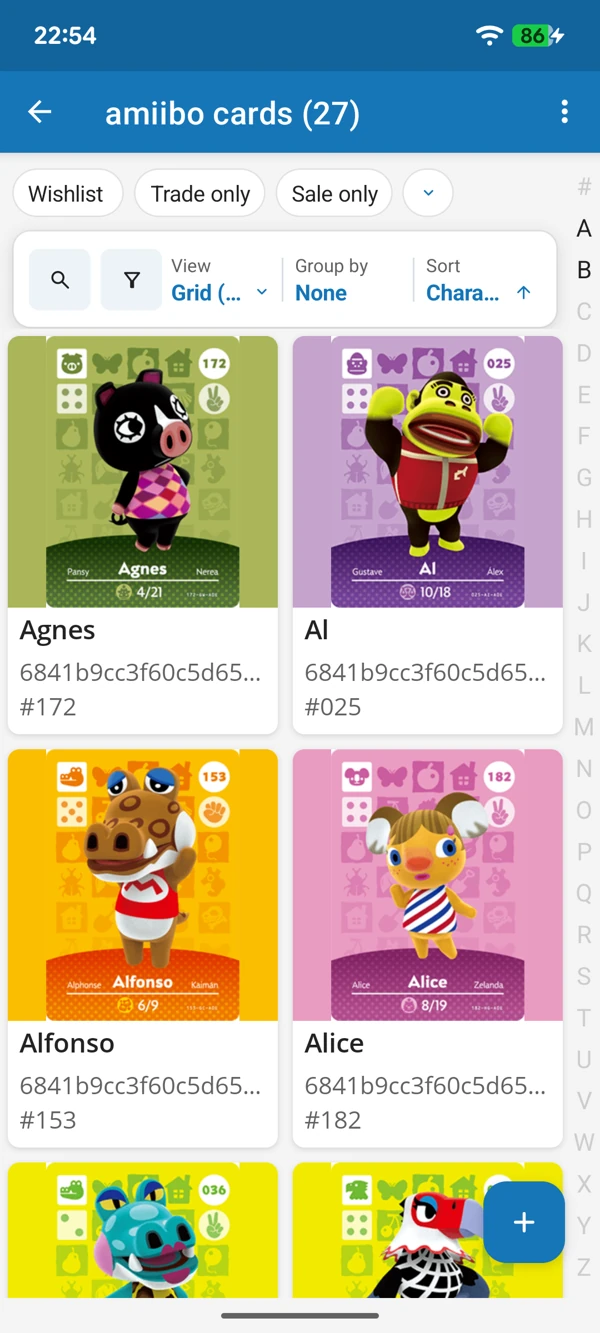
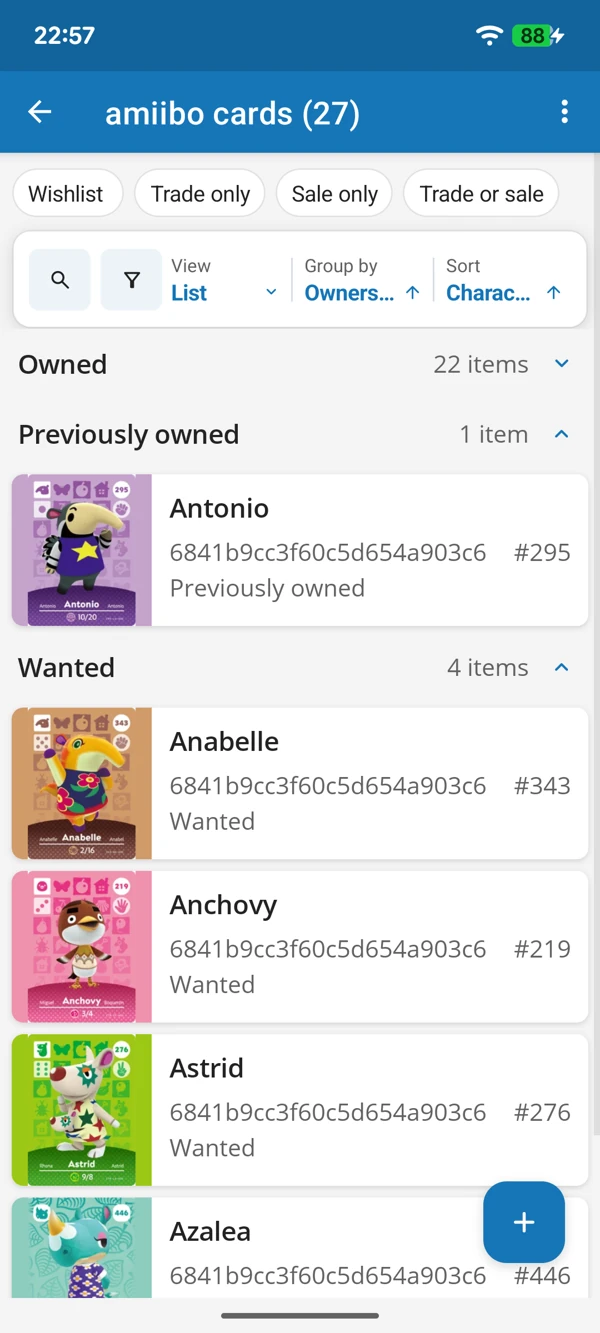
A QUICK LOOK THROUGH YOUR BINDER
Browse character artwork in a grid or check card details in a list. Keep the cards you own and the ones you want easy to tell apart.
Tap a screenshot for a closer look.
Choose the amiibo cards template and add your first character. Keep its prepared details or make them your own.
No account needed to start on mobile. Sign in for web access and sync.
Free to use. Built by collectors.