Know what belongs in the box.
Record accessories and missing pieces so extra hands, stands and small parts stay connected to the right figure.
Action Figures
Keep your action figures, editions and wanted releases together. Remember scales, accessories and the details that make your copy different from the next one.


No account needed to start on mobile. Sign in for web access and sync.
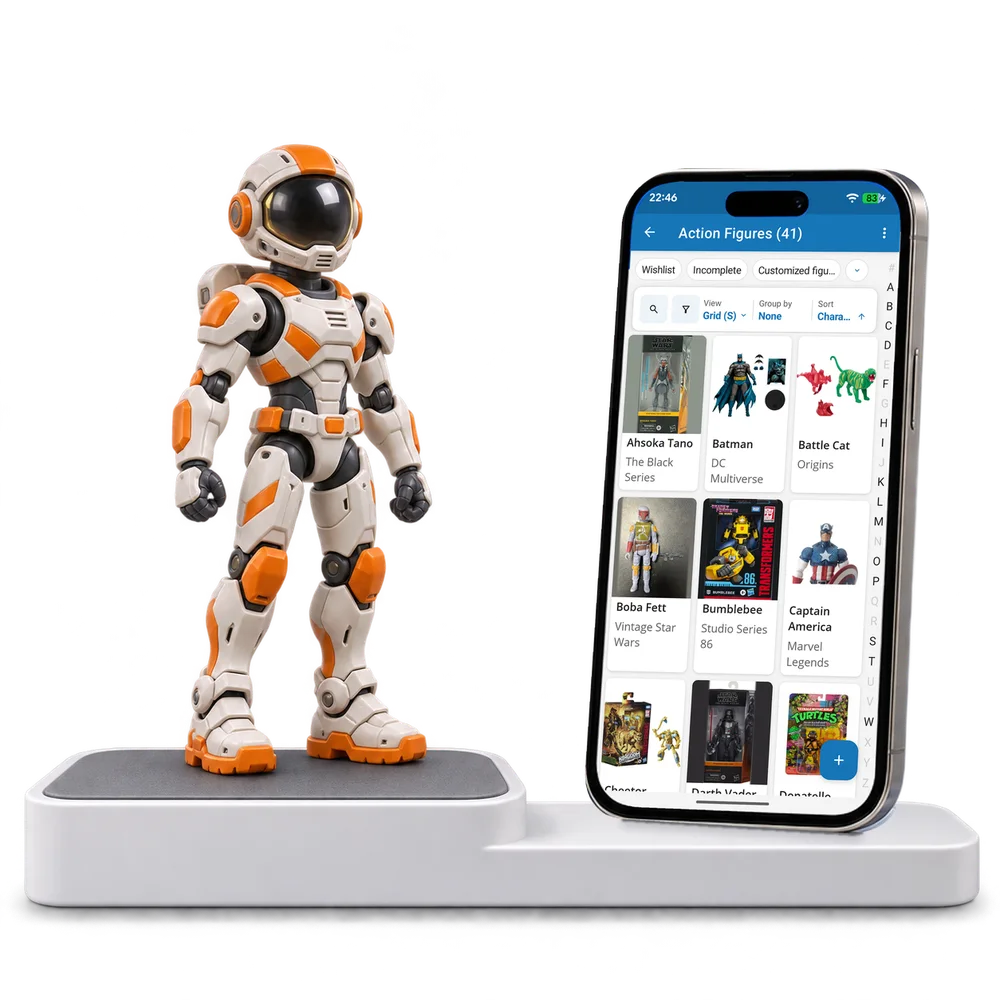
Take a look inside
Browse a real action figure collection, change the view and open a figure to inspect its edition and accessories.
No account. No install.
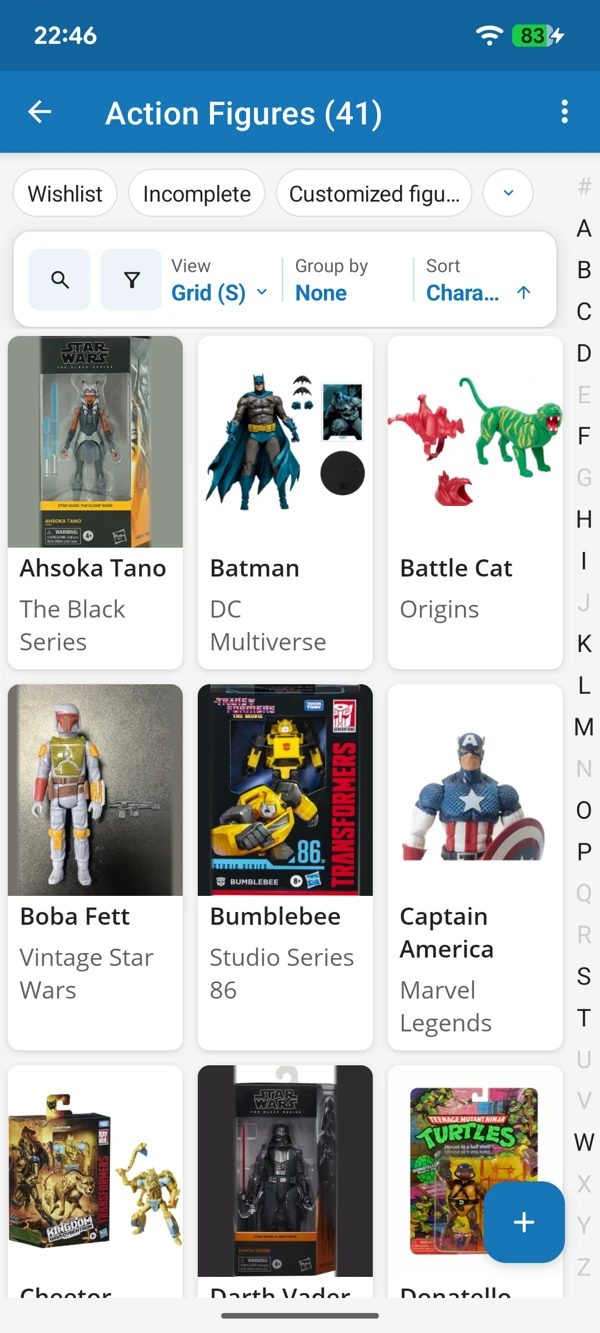
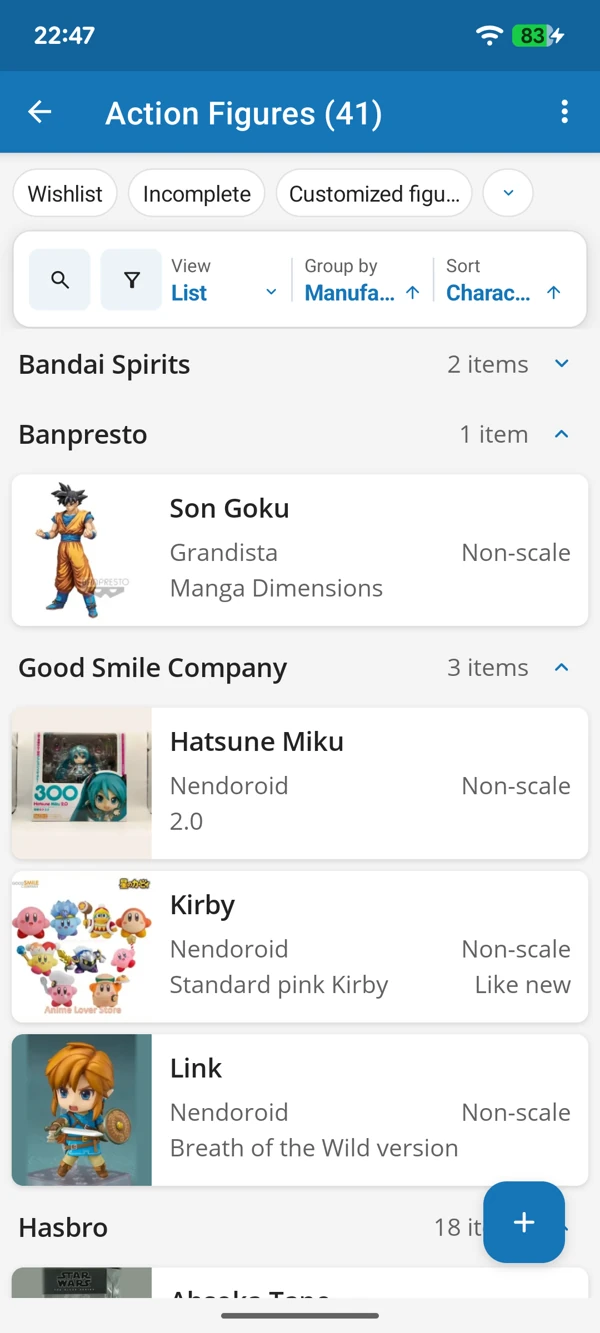
FROM DISPLAY SHELF TO NEXT FIND
Browse the figures by picture or bring manufacturers together in a list. Keep scales and release details close when a new version of a favourite character appears.
Tap a screenshot for a closer look.
Choose the Action Figures template and add your first figure. Adapt the details to your own display and collecting habits.
No account needed to start on mobile. Sign in for web access and sync.
Free to use. Built by collectors.